
JPG to WebP Converter
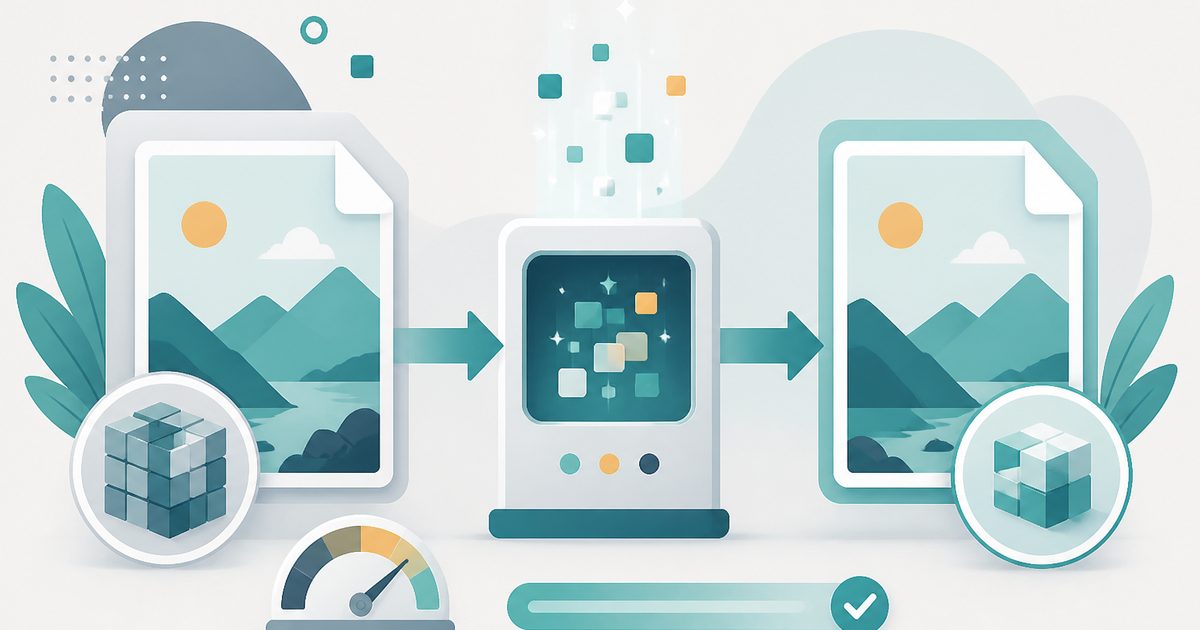
Shrink photos for faster websites — WebP is dramatically smaller than JPG at the same quality, and every modern browser displays it.
- No training on your data
- Region: global
JPG to WebP Converter
Design & Creative Assets
Drop images here, or click to browse
Up to 40 files · converted on your device, never uploaded
80–90% is the sweet spot: visually identical, much smaller.
The converter searches for the highest quality near your target instead of guessing a fixed quality.
Metadata removed automatically. Rebuilding the image in your browser strips EXIF location, camera, and author details from the download.
Images are only ever scaled down unless you pick a scale above 100%.
JPG to WebP — Overview
What is JPG to WebP?
JPG to WebP re-encodes your JPG photographs as WebP, the format Google built specifically to make web pages load faster. At matched visual quality a WebP is typically 25–50% smaller than the same JPG, and every browser released in the last several years displays it natively.
That saving is the single cheapest performance win available to a website owner. Images are usually the heaviest thing on a page, so halving their weight moves Largest Contentful Paint — the Core Web Vitals metric Google actually ranks on — more than almost any code change.
Conversion runs on your device using the browser's own WebP encoder, so there is no upload, no queue and no limit on how many product shots or gallery images you push through in an afternoon.
What does JPG to WebP do?
A straight swap for a lighter format:
- Batch convert up to 40 JPGs in a single pass
- Quality slider from visually lossless down to aggressive compression
- Optional resize so oversized camera files get capped at the same time
- Before-and-after totals so you can see exactly what you saved
- Nothing uploaded — safe for unreleased product photography
- Original filenames preserved with a .webp extension
How to use JPG to WebP
- 1Drop your JPGs
Add a single photo or a whole folder. Only JPG/JPEG files are accepted so nothing converts by mistake.
- 2Pick a quality level
80% is the sweet spot for photographs — indistinguishable from the original at roughly half the bytes. Drop to 65% for thumbnails and hero backgrounds.
- 3Download and deploy
Save individually or as a zip, then upload to your site or CMS in place of the JPGs.
Privacy & cost
This tool runs entirely in your browser. Nothing is uploaded, logged, or saved on our servers — safe for confidential or proprietary data.
Where it fits
Convert every photo on a landing page and the total image payload usually falls by a third or more — visible in Lighthouse immediately.
E-commerce galleries with hundreds of shots benefit most; batch through them 40 at a time.
Shared hosting and static-site build limits go a lot further with WebP assets.
JPG for photographs and anything you e-mail. PNG when you need transparency or perfectly sharp screenshots and diagrams. WebP when you control a website and want the smallest files. AVIF for the very smallest files, when you know your audience uses recent browsers.
Why people pick this tool
- ✓Free forever — no file caps, watermarks, sign-ups or premium tier
- ✓100% in-browser conversion — your images never touch a server
- ✓Batch mode: convert up to 40 images in one pass and download a single .zip
- ✓Works offline once the page has loaded
- ✓No queues, no e-mail-me-the-link, no ads stapled to your download
FAQs
The bottom line
WebP is the rare optimisation with no real trade-off: smaller files, same picture, universal support. Converting locally means your unreleased photography never sits on someone else's server to get there.
More image converters
Every converter below runs entirely in your browser — your photos never leave your device.
- Convert JPG to PNG online free
- Convert PNG to JPG without losing quality
- WebP to PNG converter
- WebP to JPG converter
- AVIF to JPG converter
- HEIC to JPG converter for iPhone photos
- Batch image format converter
- Compress images without losing quality
- Resize images online
- Remove image background free, no signup
- Extract text from an image (OCR)
- JPG to text converter
- Copy text from a screenshot
You might also like
More in Design & Creative Assets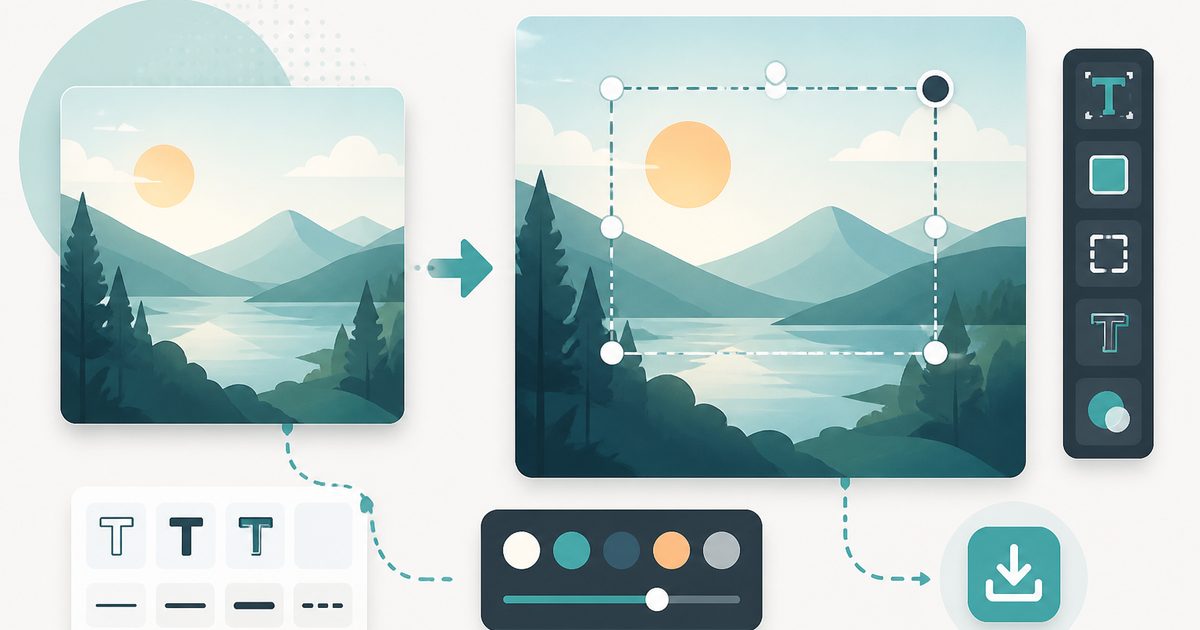
Add Text to Image
Design & Creative Assets
Overlay custom text on any image — fonts, stroke, drag to position, download.
AVIF to JPG
Design & Creative Assets
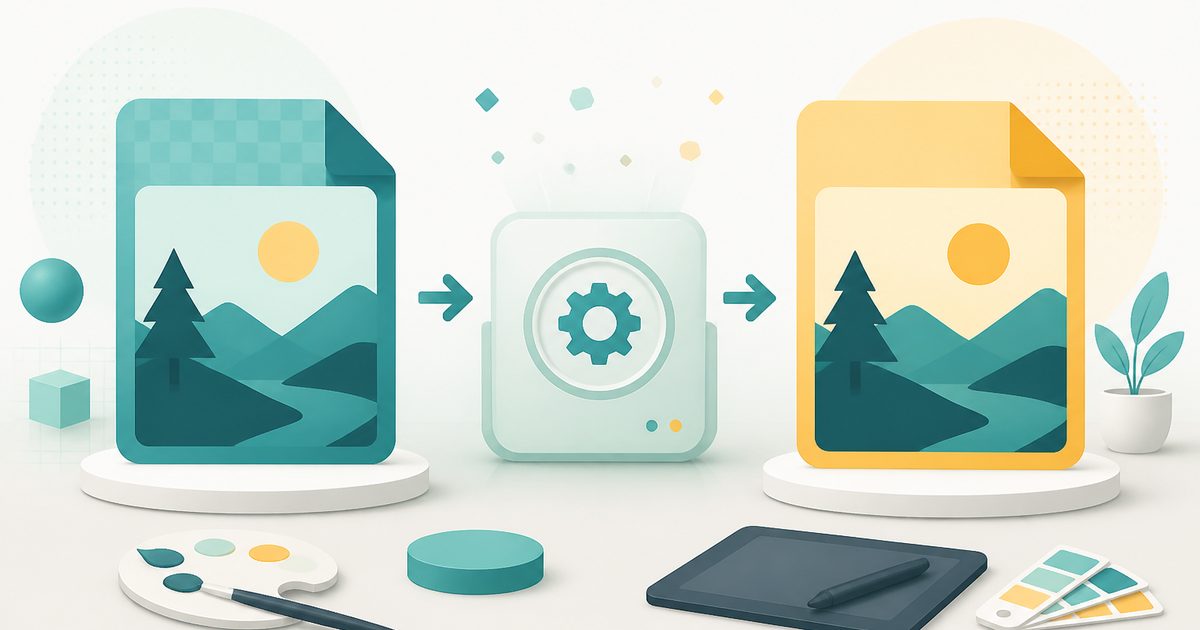
Convert AVIF images to JPG so older apps and editors can open them.
Background Remover
Design & Creative Assets
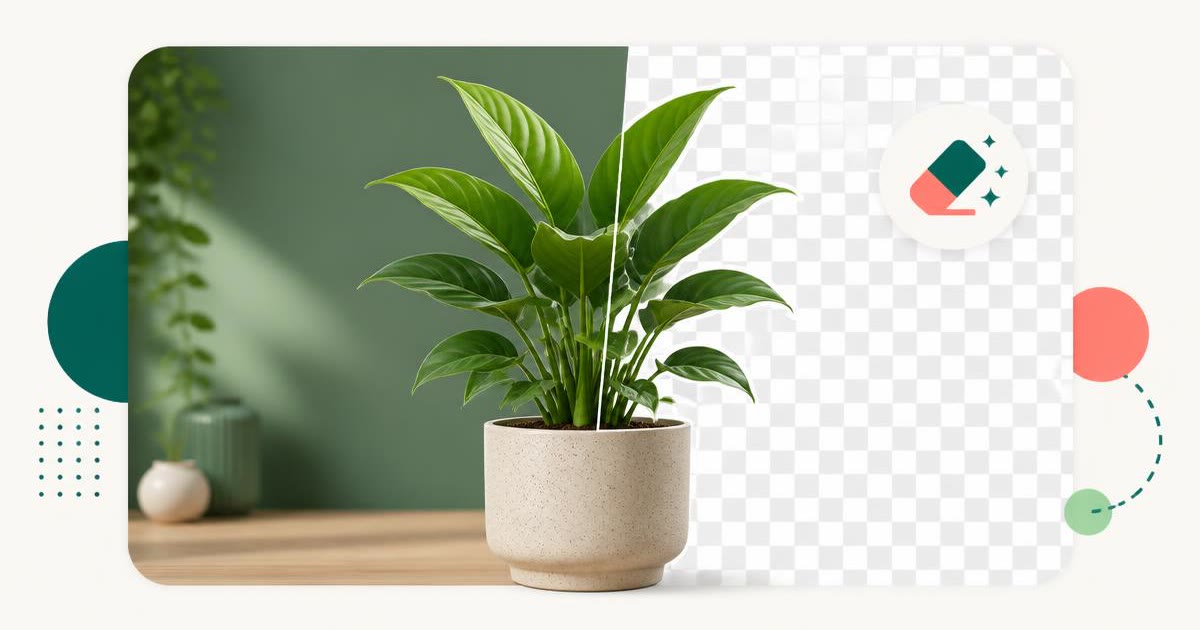
Erase photo backgrounds on-device and download a transparent PNG.
HEIC to JPG
Design & Creative Assets
Convert iPhone HEIC photos to JPG on-device — batch up to 20.
Image Compressor
Design & Creative Assets
Shrink JPEGs without uploading anywhere.
Image Converter
Design & Creative Assets
Convert between JPG, PNG, WebP and AVIF in batches.