
Excel to PDF Converter
Turn a spreadsheet into a tidy, printable PDF table — pick a sheet or convert them all, choose page size and text size, then download. Your file is read on your device.
- No training on your data
- Region: global
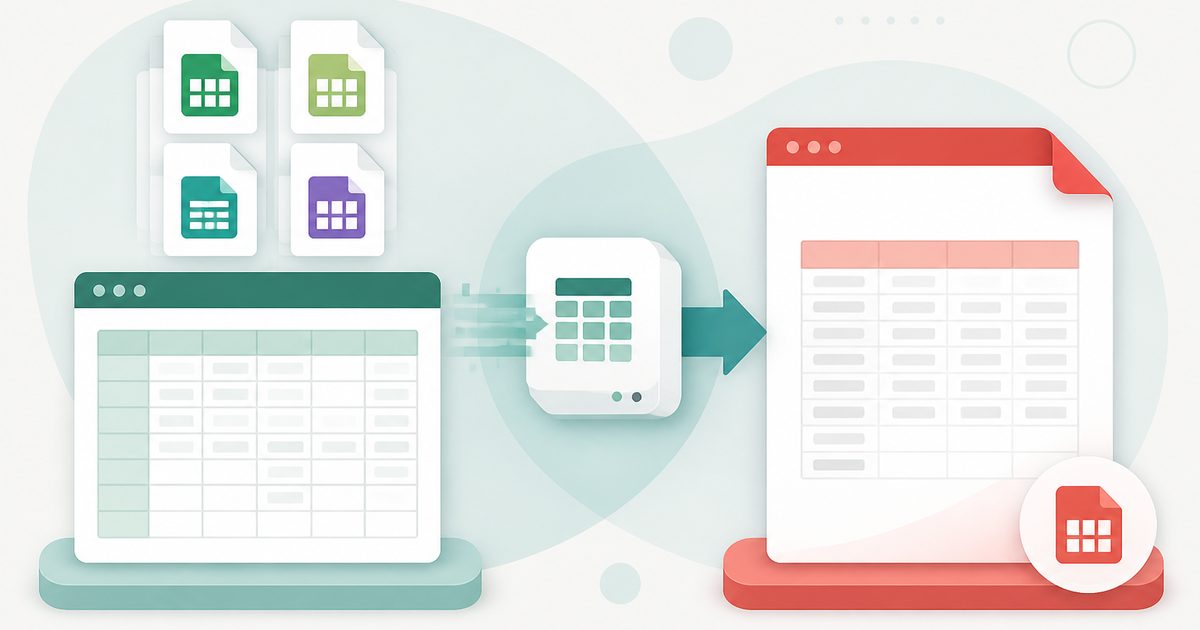
Excel to PDF Converter
PDF & Documents
Drop your spreadsheet here
XLSX, XLS, ODS or CSV · click or drag · read on your device, never uploaded
Excel to PDF — Overview
What is Excel to PDF?
Excel to PDF reads an XLSX, XLS, ODS or CSV file in your browser and draws its rows as a paginated PDF table. It is for the everyday moment when a spreadsheet has to be sent, printed or attached somewhere that will not accept a workbook — or where you do not want the recipient editing the numbers.
You can convert a single sheet or every sheet in the workbook, set the page size and orientation, choose the text size, turn grid lines on or off and mark the first row as a header. A preview of the first rows shows exactly how the data was read before you commit.
The workbook is parsed on your device and the PDF is generated there as well, so a payroll sheet, client list or budget is never uploaded. That is a meaningful difference from the free converters that ask you to send the file to their servers.
What does Excel to PDF do?
A practical spreadsheet-to-document converter:
- Reads XLSX, XLSM, XLS, ODS and CSV files
- Convert one sheet or the entire workbook in one pass
- Page sizes A4, A3, A5, Letter, Legal, Tabloid, in portrait or landscape
- Text size from 5 to 14 pt so wide tables still fit
- Optional bold header row and optional grid lines
- Automatic pagination with the sheet name on each new section
How to use Excel to PDF
- 1Add your spreadsheet
Drop or browse for the file. The sheet list, row count and column count appear straight away.
- 2Choose sheets and layout
Pick one sheet or all of them, then set page size, orientation and text size. Landscape at 7 pt handles most wide tables.
- 3Create the PDF
Check the preview rows, click Create PDF and download the document.
Privacy & cost
This tool runs entirely in your browser. Nothing is uploaded, logged, or saved on our servers — safe for confidential or proprietary data.
Where it fits
A PDF keeps your numbers as you presented them.
Many upload forms only accept PDF for security reasons.
Set the page size and margins once instead of fighting Excel's print setup.
Freeze a month-end sheet as a document that will still open in ten years.
Why people pick this tool
- ✓Free, with no row limit, watermark or sign-up
- ✓Your workbook is never uploaded — parsing and drawing both happen locally
- ✓Convert every sheet in one go
- ✓Text size and orientation controls so wide tables actually fit
- ✓Handles CSV and OpenDocument as well as Excel formats
FAQs
The bottom line
A spreadsheet is for working; a PDF is for sending. Converting locally means the numbers reach their destination looking the way you intended, without the workbook itself ever leaving your device.
More PDF conversion tools
Convert between PDF, Word, text, Markdown and images without uploading a file.
- Convert PDF to Word free, no signup
- PDF to DOCX converter
- Convert Word to PDF online
- DOCX to PDF converter
- Extract text from PDF
- PDF to plain text converter
- PDF to Markdown converter
- Convert PDF pages to images
- Combine images into one PDF
- OCR a scanned PDF to searchable text
- Convert JPG to PDF free
- PNG to PDF converter
You might also like
More in PDF & Documents
DOCX to PDF
PDF & Documents
Turn DOCX documents into shareable PDFs without uploading anything.
Images to PDF
PDF & Documents
Convert JPG, PNG and WebP photos into a single PDF.
JPG to PDF
PDF & Documents
Combine JPG photos into a single PDF with page size and margin control.
PNG to PDF
PDF & Documents
Turn PNG screenshots and graphics into a clean, printable PDF.
Word to PDF
PDF & Documents
Convert .docx documents or pasted text into a clean, shareable PDF.

Add Header & Footer to PDF
PDF & Documents
Titles, dates and page tokens along the top and bottom.