
PDF to Text
Pull clean, copyable text out of PDFs — keep the original line layout, choose pages, export TXT or Markdown. Extract up to 20 files at once.
- No training on your data
- Region: global
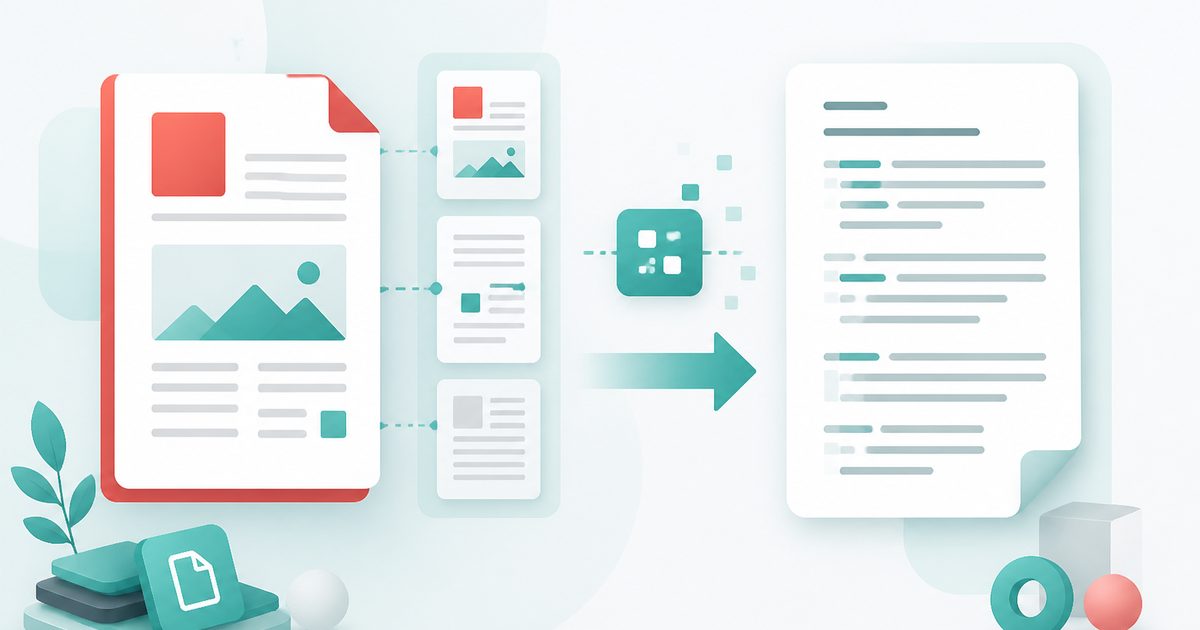
PDF to Text
PDF & Documents
Drop PDFs to extract text
Click, drag or paste — up to 20 files, text is extracted on your device
Extract Text from PDF — Overview
What is Extract Text from PDF?
Extract Text from PDF pulls the raw, copyable text out of a PDF so you can paste it into a document, a spreadsheet, an AI prompt or a search index. It is the tool you want when the PDF itself refuses to cooperate — text that won't select cleanly, columns that copy in the wrong order, or a document too long to pick through by hand.
Rather than copying character by character, the extractor reads the PDF's text layer with its positional information and reassembles it line by line, preserving line breaks and reading order. You can extract the whole document or a specific page range, and export as plain .txt or Markdown.
Everything runs in your browser. That is the difference that matters for the documents people actually need to extract from — statements, contracts, research papers, HR files — none of which should be uploaded to a free web tool.
What does Extract Text from PDF do?
Clean, usable text out of a stubborn document:
- Full-document or page-range extraction
- Line breaks and reading order preserved rather than mangled
- Copy to clipboard in one click, or export .txt / Markdown
- Word and character counts for the extracted result
- Tells you when a PDF is a scan and needs OCR instead
- Entirely on-device — nothing uploaded and nothing retained
How to use Extract Text from PDF
- 1Drop the PDF
The text layer is read immediately in your browser. Choose a page range if you only need part of it.
- 2Pick your layout mode
Keep the original line breaks for faithful extraction, or flow the text continuously when you plan to re-wrap it anyway.
- 3Copy or export
Copy straight to the clipboard, or download as .txt or Markdown for further editing.
Privacy & cost
This tool runs entirely in your browser. Nothing is uploaded, logged, or saved on our servers — safe for confidential or proprietary data.
Where it fits
Most chat models work far better with pasted text than with an attached PDF — extract first, then prompt.
Get accurate quotations without transcription errors.
Extract to text and use your editor's search across the whole thing at once.
Recover copy from old brochures and manuals for a new website or CMS.
Why people pick this tool
- ✓Free forever — no page caps, watermarks, sign-ups or premium tier
- ✓100% in-browser processing — your documents never touch a server
- ✓Works offline once the page has loaded, ideal for confidential files
- ✓No queues or waiting rooms — the work happens at the speed of your device
FAQs
The bottom line
Text extraction is the unglamorous step behind most useful document work — quoting, searching, prompting, migrating. Doing it locally means the document you're mining never leaves your device.
More PDF conversion tools
Convert between PDF, Word, text, Markdown and images without uploading a file.
- Convert PDF to Word free, no signup
- PDF to DOCX converter
- Convert Word to PDF online
- DOCX to PDF converter
- PDF to plain text converter
- PDF to Markdown converter
- Convert PDF pages to images
- Combine images into one PDF
- OCR a scanned PDF to searchable text
- Convert JPG to PDF free
- PNG to PDF converter
- Convert Excel to PDF online
You might also like
More in PDF & Documents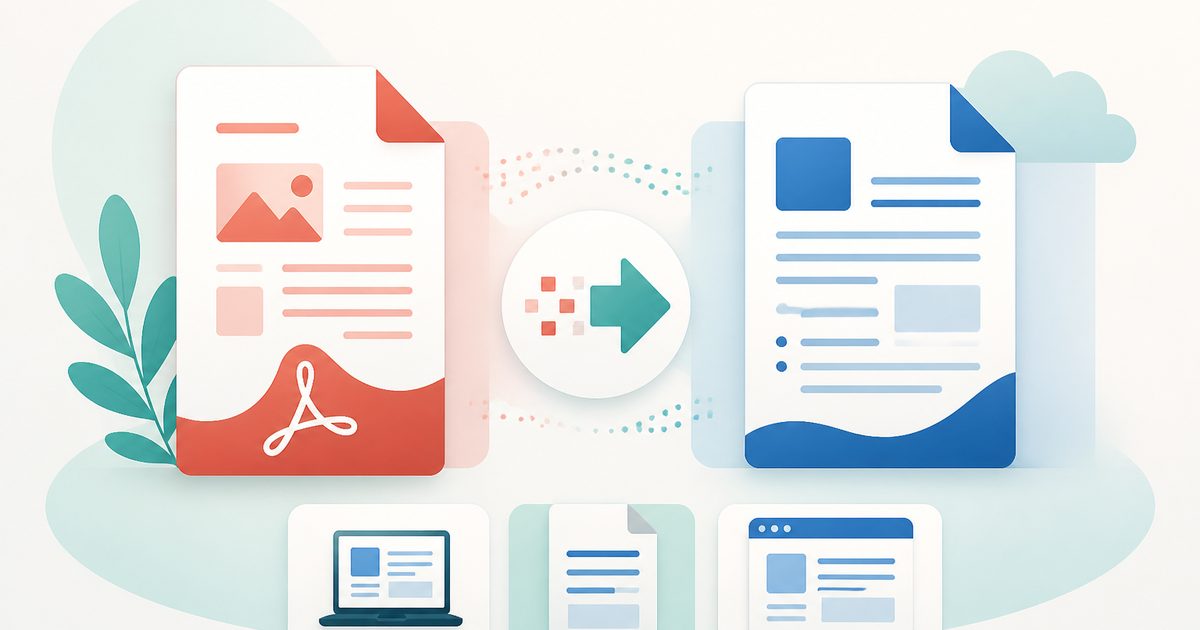
PDF to DOCX
PDF & Documents
Convert PDF to an editable DOCX for Word, LibreOffice or Google Docs.
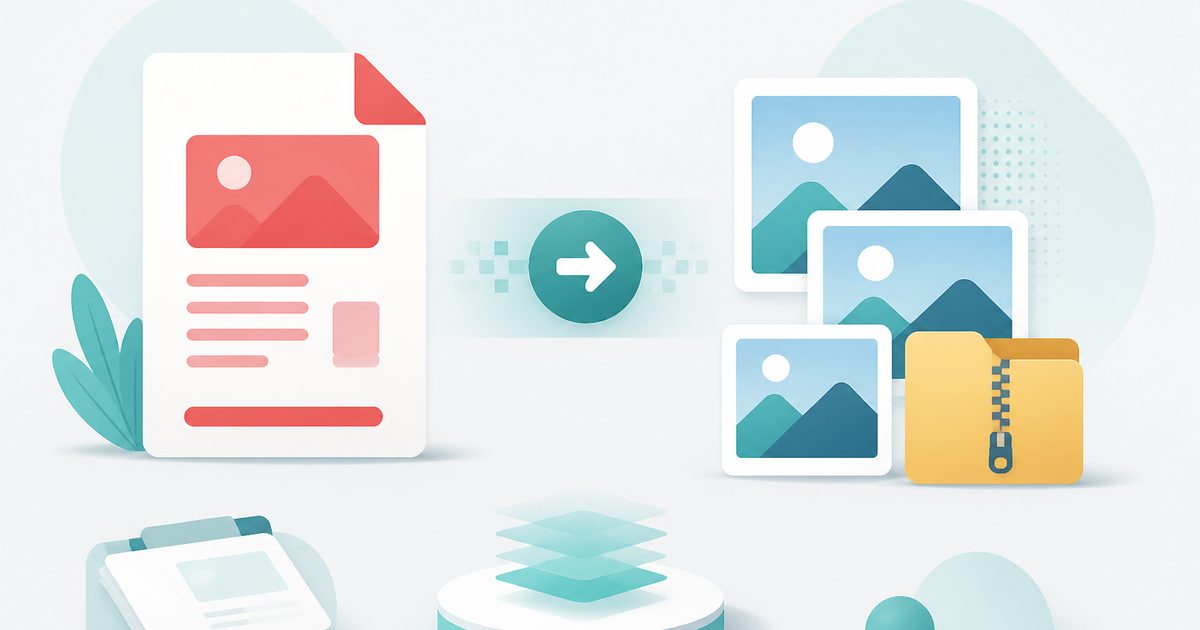
PDF to Images
PDF & Documents
Export PDF pages as PNG or JPG at any DPI, zipped.
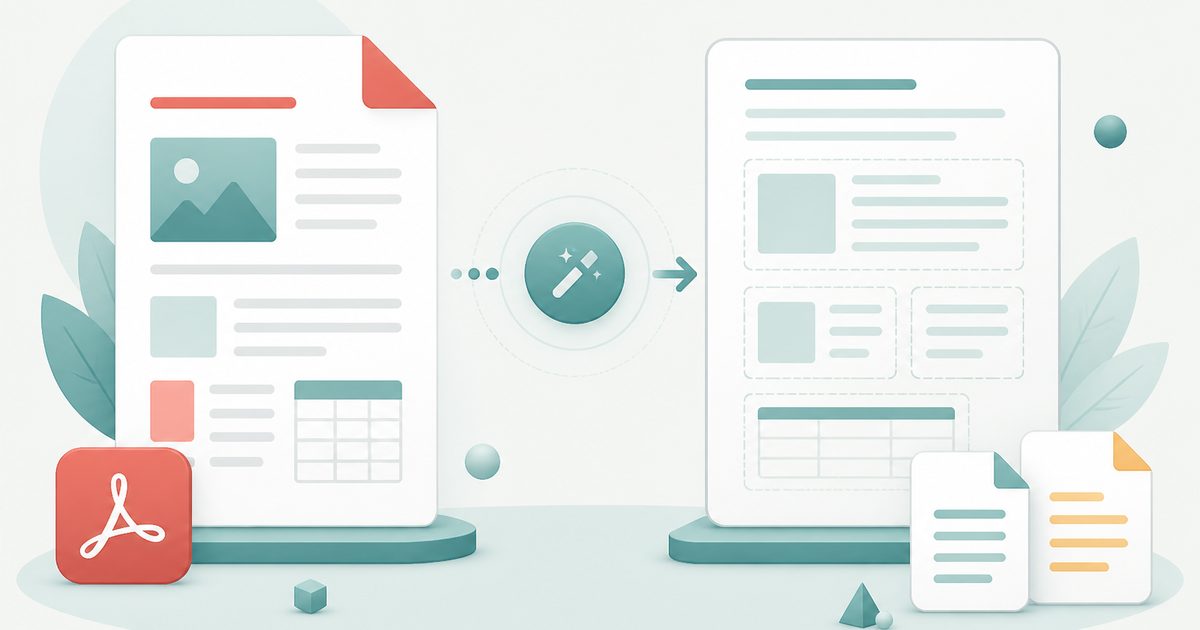
PDF to Text
PDF & Documents
Extract copyable text with layout kept, export TXT or MD.
PDF to Word
PDF & Documents
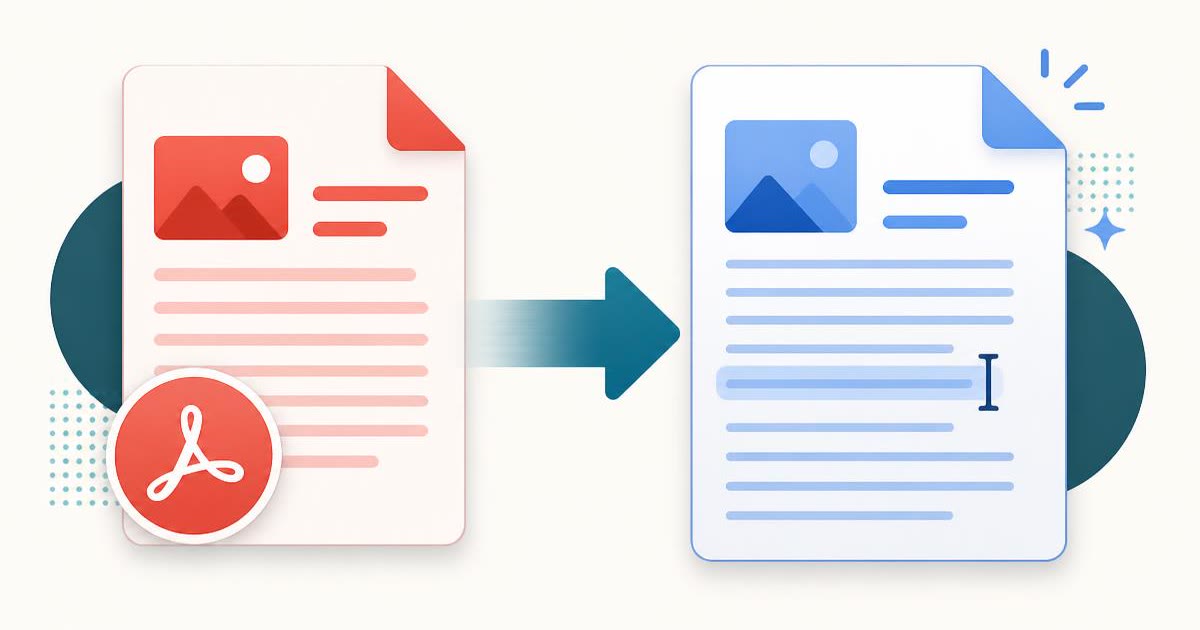
Convert a PDF into an editable .docx — headings, lists and paragraphs rebuilt.

Add Header & Footer to PDF
PDF & Documents
Titles, dates and page tokens along the top and bottom.
Add Page Numbers to PDF
PDF & Documents
Number pages, including legal-style Bates numbering.