
PNG to PDF Converter
Turn PNG screenshots, scans or graphics into a single PDF — set the page size, orientation and margins, reorder pages, then download. Nothing is uploaded.
- No training on your data
- Region: global
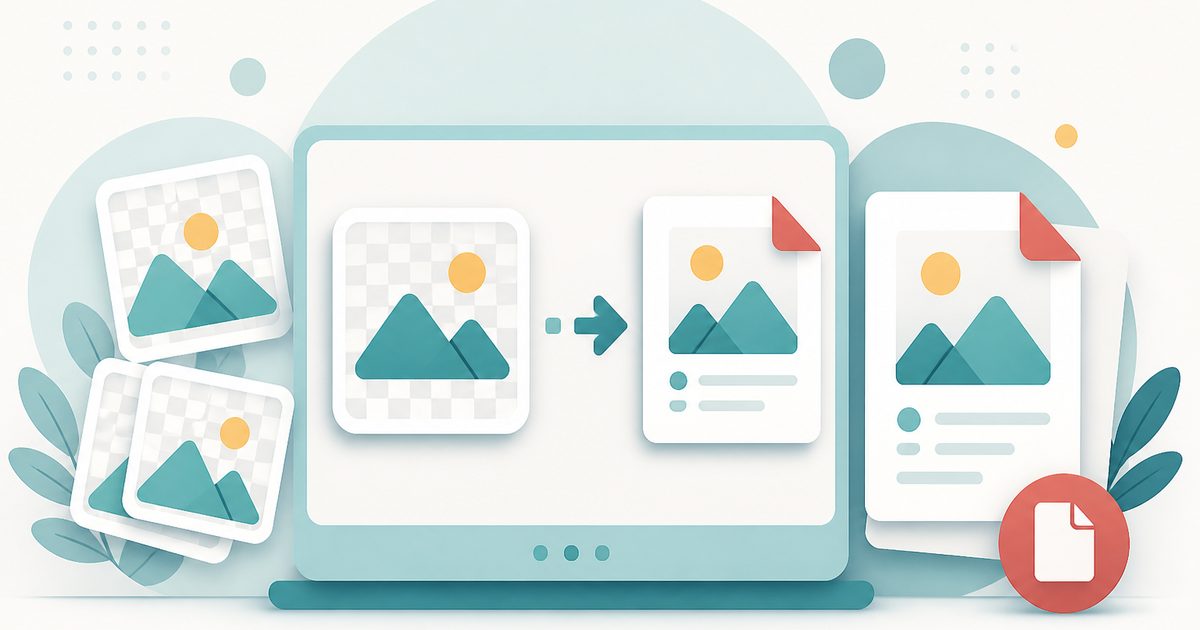
PNG to PDF Converter
PDF & Documents
Drop your PNG images here
PNG · click, drag or paste · converted on your device
PNG to PDF — Overview
What is PNG to PDF?
PNG to PDF turns PNG screenshots, diagrams, charts and exported graphics into a single PDF. PNG is what screenshot tools and design apps produce by default, and PDF is what ticketing systems, printers, universities and clients ask for.
You choose the page size, orientation, margins and fit, and reorder the pages before exporting — so a sequence of screenshots reads as a step-by-step document rather than a shuffled folder.
The conversion runs in your browser. Screenshots often contain dashboards, private messages or customer data, so keeping them on your own device is the point.
What does PNG to PDF do?
Everything needed for a clean screenshot document:
- Any number of PNG images in one PDF
- Page sizes A4, A3, A5, Letter, Legal, Tabloid — or fit the page to the image
- Portrait, landscape or automatic orientation
- Margin control for print-safe edges
- Contain or fill-and-crop fit modes
- Reorder before export and set your own filename
How to use PNG to PDF
- 1Add your PNG images
Drop, paste (Ctrl/Cmd+V works straight from a screenshot) or browse for files.
- 2Choose the layout
Set page size, orientation, margin and fit mode. Fit-to-image keeps a screenshot's exact proportions.
- 3Create and download
Reorder the pages if needed, click Create PDF and save it.
Privacy & cost
This tool runs entirely in your browser. Nothing is uploaded, logged, or saved on our servers — safe for confidential or proprietary data.
Where it fits
Bundle a sequence of screenshots into one numbered PDF a support team can follow.
Turn captures into a printable how-to for colleagues or students.
Send exported graphics as a document that opens identically everywhere.
Archive online confirmations as PDFs you can file and print.
Why people pick this tool
- ✓Free with no watermark, page limit or account
- ✓Screenshots never leave your device
- ✓Paste straight from the clipboard — no saving files first
- ✓Proper page-size and margin control for printing
- ✓Reorder pages before you export
FAQs
The bottom line
Screenshots are the raw material of modern documentation. Wrapping them in a properly laid-out PDF makes them shareable, printable and easy to follow — and doing it locally keeps whatever is on your screen private.
More PDF conversion tools
Convert between PDF, Word, text, Markdown and images without uploading a file.
- Convert PDF to Word free, no signup
- PDF to DOCX converter
- Convert Word to PDF online
- DOCX to PDF converter
- Extract text from PDF
- PDF to plain text converter
- PDF to Markdown converter
- Convert PDF pages to images
- Combine images into one PDF
- OCR a scanned PDF to searchable text
- Convert JPG to PDF free
- Convert Excel to PDF online
You might also like
More in PDF & Documents
DOCX to PDF
PDF & Documents
Turn DOCX documents into shareable PDFs without uploading anything.
Excel to PDF
PDF & Documents
Convert XLSX, XLS, ODS or CSV sheets into a printable PDF table.
Images to PDF
PDF & Documents
Convert JPG, PNG and WebP photos into a single PDF.
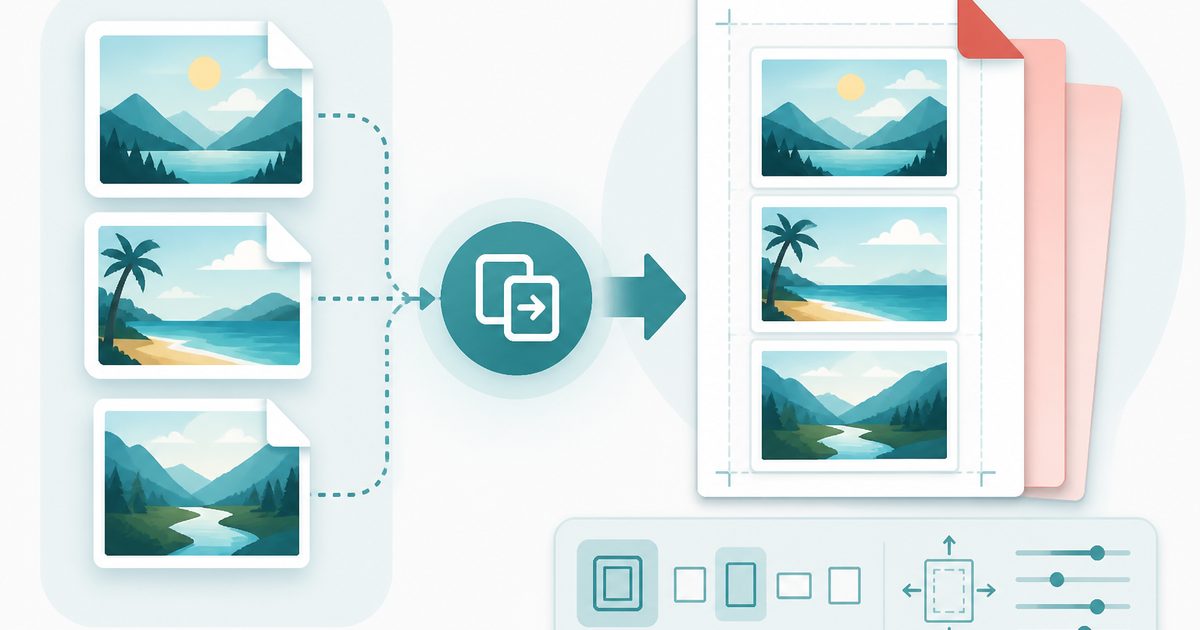
JPG to PDF
PDF & Documents
Combine JPG photos into a single PDF with page size and margin control.
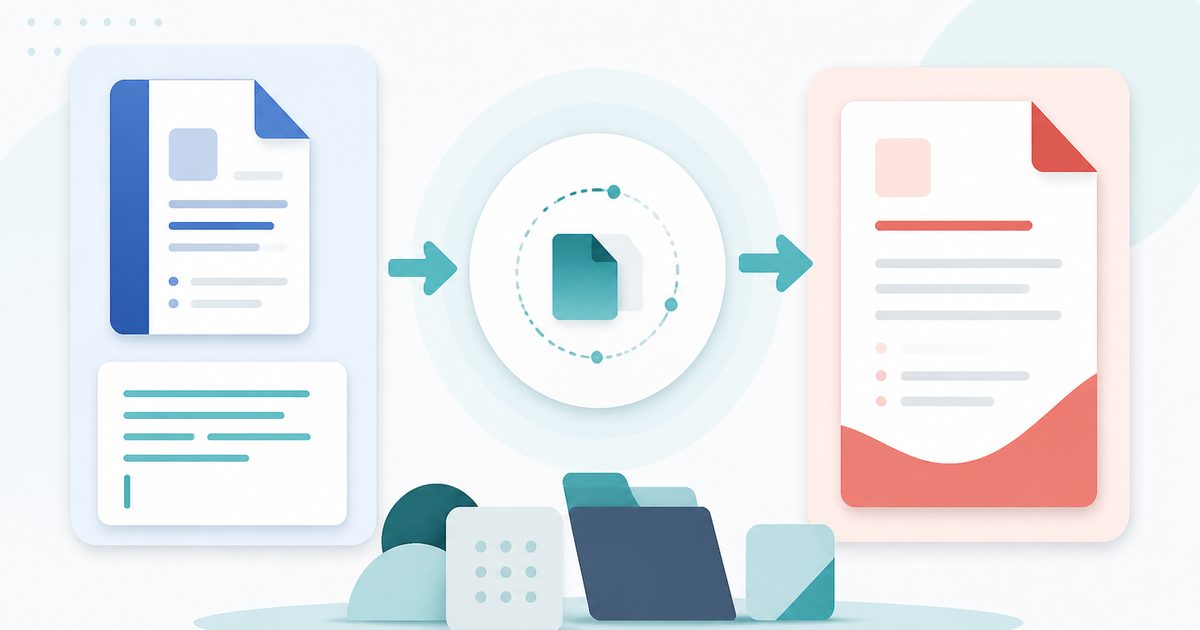
Word to PDF
PDF & Documents
Convert .docx documents or pasted text into a clean, shareable PDF.

Add Header & Footer to PDF
PDF & Documents
Titles, dates and page tokens along the top and bottom.