
Word to PDF
Convert Word documents or pasted text into separate PDFs, entirely on your device.
- No training on your data
- Region: global
Word to PDF
PDF & Documents
Drop Word (.docx) files here
Choose multiple files · each document becomes a separate PDF
Your documents stay on this device. Legacy .doc files must be saved as .docx first.
Word to PDF — Overview
What is Word to PDF?
Word to PDF converts .docx documents into clean, universally readable PDFs — the format that looks identical on every device and can't be accidentally edited. Headings, bullet lists and paragraphs are detected from the Word file and re-typeset onto standard Letter pages with tidy margins.
There is also a paste mode for text and Markdown-style notes: lines starting with #, ## or ### become headings, dashes become bullet points, and everything else becomes a paragraph. It is the fastest way to turn rough notes into a presentable PDF.
Conversion happens entirely in your browser using a JavaScript PDF engine. Nothing is uploaded, so confidential drafts, CVs and legal documents stay on your machine from start to finish.
What does Word to PDF do?
From Word file — or raw text — to a shareable PDF:
- Reads real .docx files, preserving heading levels and bullet lists
- Paste mode converts plain text or Markdown-style notes
- Automatic word wrapping and page breaks on US Letter
- Clean, professional typography with no watermarks
- Structure preview — see the detected blocks before converting
- 100% in-browser: the document never leaves your device
How to use Word to PDF
- 1Add your content
Drop a .docx file, or switch to the paste tab and write with # headings and - bullets.
- 2Check the preview
The detected block count and word count confirm the document was read correctly.
- 3Download the PDF
A re-typeset, universally readable PDF saves straight to your device.
Privacy & cost
This tool runs entirely in your browser. Nothing is uploaded, logged, or saved on our servers — safe for confidential or proprietary data.
Where it fits
PDF guarantees the recruiter sees exactly the formatting you designed.
PDF opens on every phone, tablet and computer without any software purchase.
Paste Markdown-style notes and get a clean printable document in seconds.
Why people pick this tool
- ✓Free forever — no page caps, watermarks, sign-ups or premium tier
- ✓100% in-browser processing — your documents never touch a server
- ✓Works offline once the page has loaded, ideal for confidential files
- ✓No queues or waiting rooms — the work happens at the speed of your device
FAQs
The bottom line
PDF is the handshake format of the document world — everyone can open it, nobody can mangle it. Converting on your own device means you get that portability without handing the document to a web service first.
More PDF conversion tools
Convert between PDF, Word, text, Markdown and images without uploading a file.
- Convert PDF to Word free, no signup
- PDF to DOCX converter
- DOCX to PDF converter
- Extract text from PDF
- PDF to plain text converter
- PDF to Markdown converter
- Convert PDF pages to images
- Combine images into one PDF
- OCR a scanned PDF to searchable text
- Convert JPG to PDF free
- PNG to PDF converter
- Convert Excel to PDF online
You might also like
More in PDF & Documents
DOCX to PDF
PDF & Documents
Turn DOCX documents into shareable PDFs without uploading anything.
Excel to PDF
PDF & Documents
Convert XLSX, XLS, ODS or CSV sheets into a printable PDF table.
Images to PDF
PDF & Documents
Convert JPG, PNG and WebP photos into a single PDF.
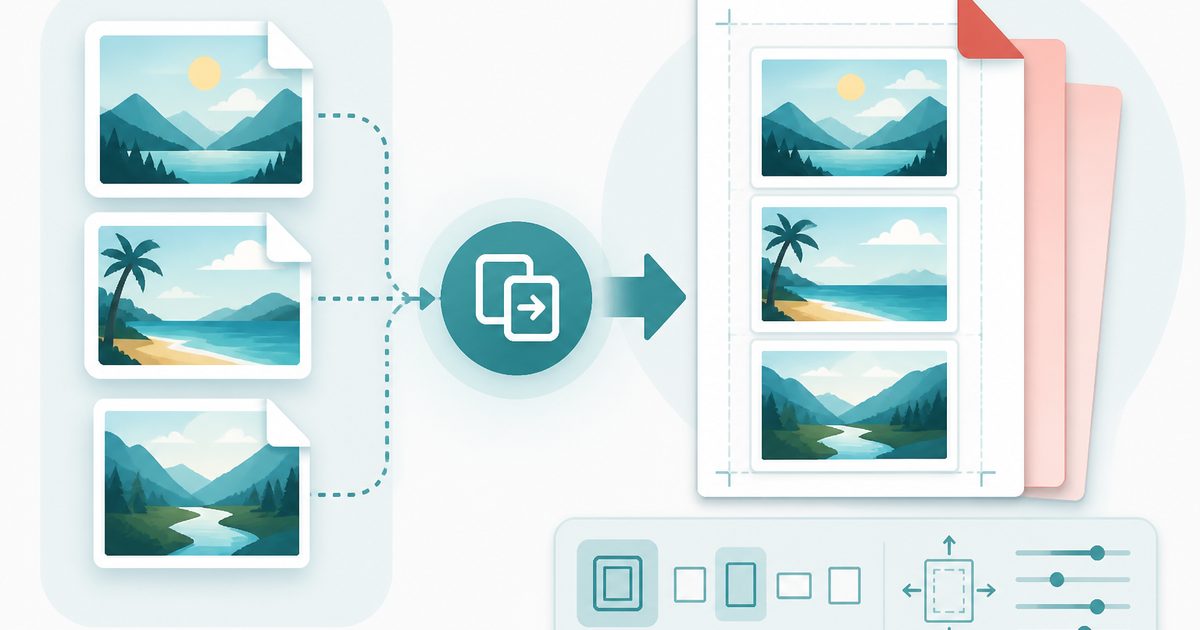
JPG to PDF
PDF & Documents
Combine JPG photos into a single PDF with page size and margin control.
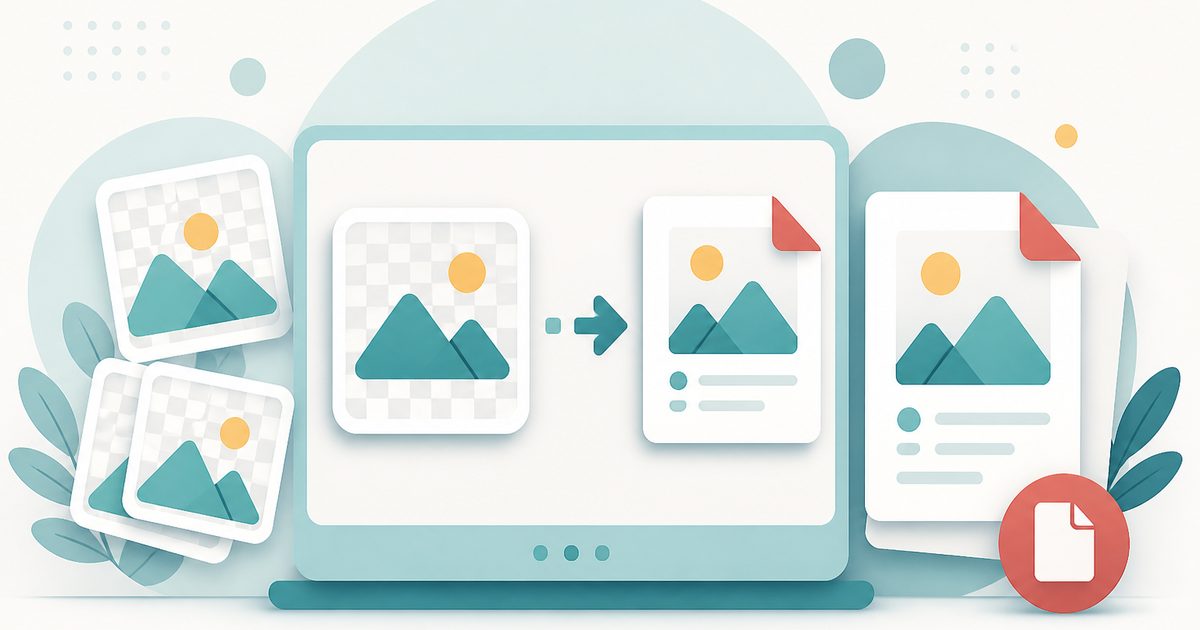
PNG to PDF
PDF & Documents
Turn PNG screenshots and graphics into a clean, printable PDF.

Add Header & Footer to PDF
PDF & Documents
Titles, dates and page tokens along the top and bottom.