
PDF to Text
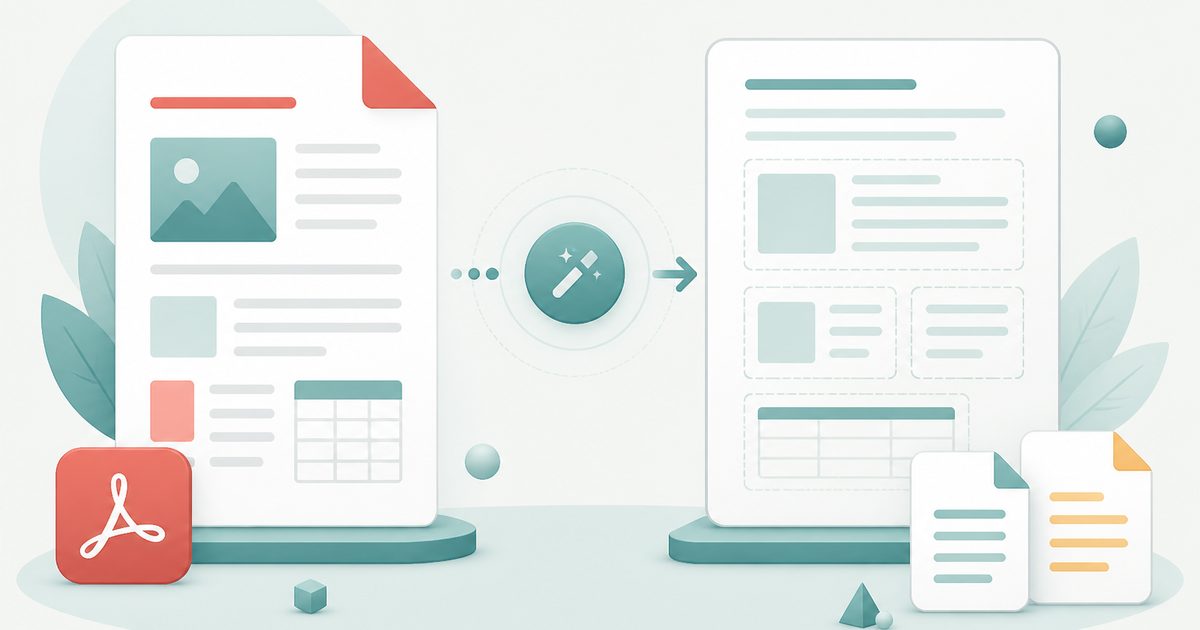
Pull clean, copyable text out of PDFs — keep the original line layout, choose pages, export TXT or Markdown. Extract up to 20 files at once.
- No training on your data
- Region: global
PDF to Text
PDF & Documents
Drop PDFs to extract text
Click, drag or paste — up to 20 files, text is extracted on your device
PDF to Text — Overview
What is PDF to Text?
PDF to Text pulls the real text layer out of a PDF so you get actual characters you can copy, search and edit — not a picture of words.
You choose how faithful the output should be: keep the original line breaks and spacing when structure matters, or switch to flowing text when you intend to paste the content into a document and reformat it.
Crucially, the tool tells you when a page has no text layer at all. That is the signature of a scanned document, and it is the difference between 'this tool is broken' and 'this page needs OCR'.
What does PDF to Text do?
Accurate extraction with the context you need to trust it:
- Extracts the embedded text layer page by page, with page markers
- Layout-preserving mode keeps line breaks, indentation and column spacing
- Flowing mode joins wrapped lines into clean paragraphs for reuse
- Restrict extraction to specific page ranges
- Flags pages with no text layer so you know a scan needs OCR
- Copy to clipboard, or export as .txt or Markdown
How to use PDF to Text
- 1Drop a PDF
Extraction starts immediately and the text appears as soon as the pages are read.
- 2Choose the output style
Keep line breaks for tables, code and poetry; use flowing text for prose you plan to paste elsewhere.
- 3Copy or export
Copy the whole result, or download it as a .txt or .md file.
Privacy & cost
This tool runs entirely in your browser. Nothing is uploaded, logged, or saved on our servers — safe for confidential or proprietary data.
Where it fits
Lift exact wording out of a PDF without retyping or fighting a reader's copy behaviour.
Get clean plain text you can paste into a summariser, translator or note-taking app.
Check whether a supposedly digital PDF actually contains searchable text before submitting it somewhere that requires it.
Why people pick this tool
- ✓Free forever — no page caps, watermarks, sign-ups or premium tier
- ✓100% in-browser processing — your documents never touch a server
- ✓Works offline once the page has loaded, ideal for confidential files
- ✓No queues or waiting rooms — the work happens at the speed of your device
FAQs
The bottom line
Text extraction is the step that unlocks everything else — search, translation, summarisation and analysis. Doing it locally means the contents of confidential documents are never posted to an extraction service.
More PDF conversion tools
Convert between PDF, Word, text, Markdown and images without uploading a file.
- Convert PDF to Word free, no signup
- PDF to DOCX converter
- Convert Word to PDF online
- DOCX to PDF converter
- Extract text from PDF
- PDF to Markdown converter
- Convert PDF pages to images
- Combine images into one PDF
- OCR a scanned PDF to searchable text
- Convert JPG to PDF free
- PNG to PDF converter
- Convert Excel to PDF online
You might also like
More in PDF & Documents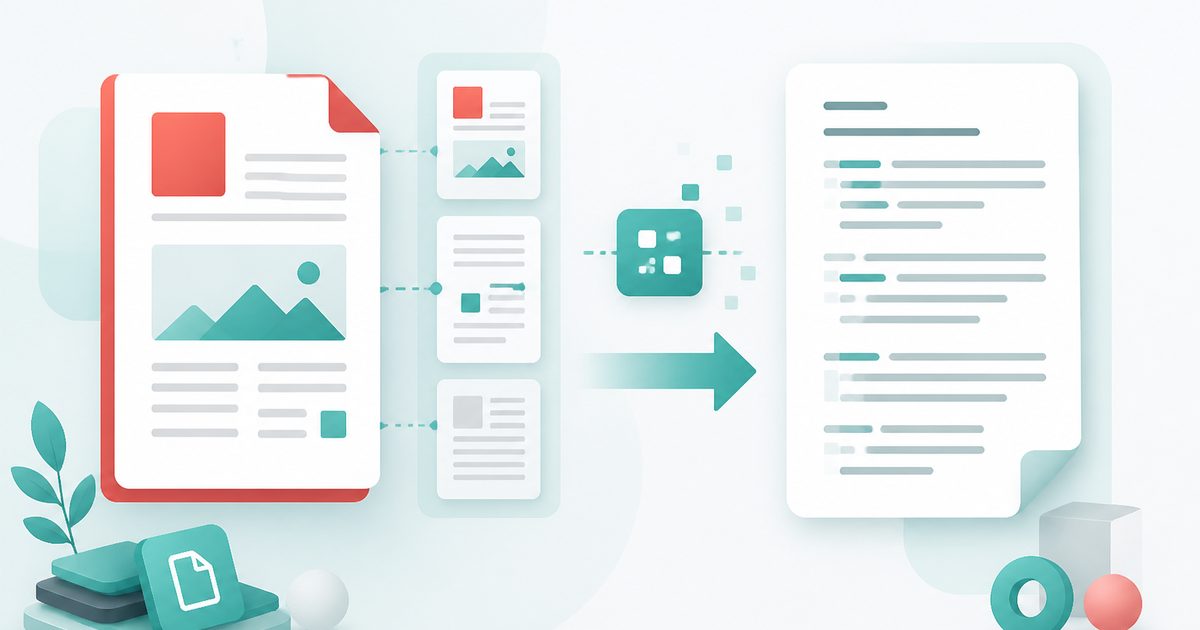
Extract Text from PDF
PDF & Documents
Pull copyable text out of any PDF, keeping line breaks and page ranges.
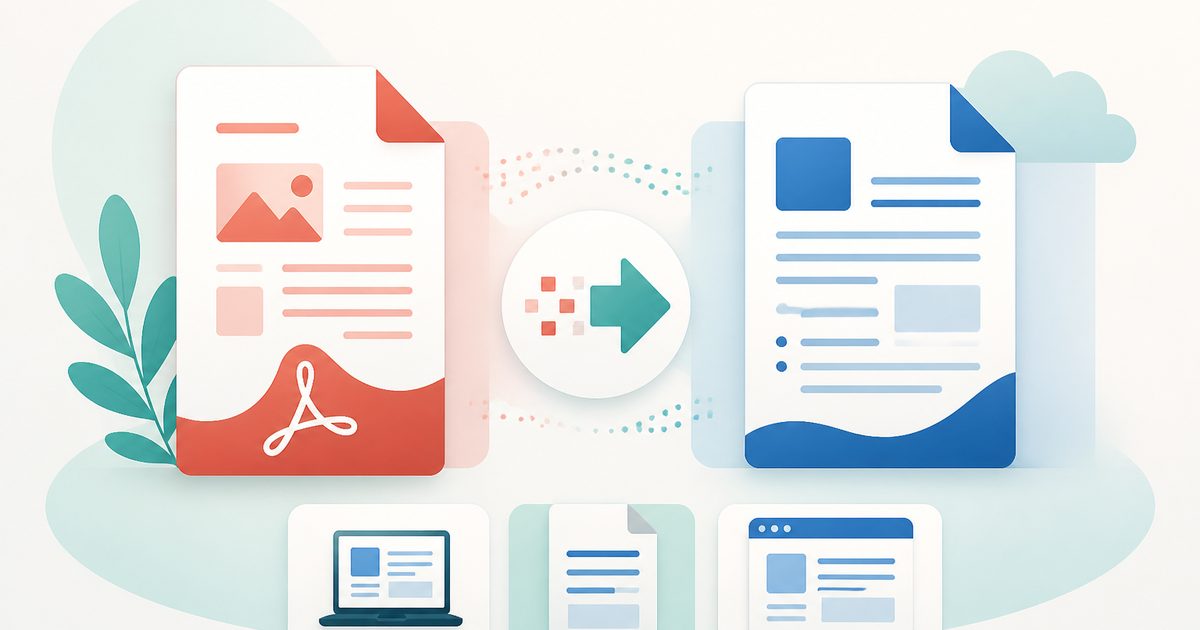
PDF to DOCX
PDF & Documents
Convert PDF to an editable DOCX for Word, LibreOffice or Google Docs.
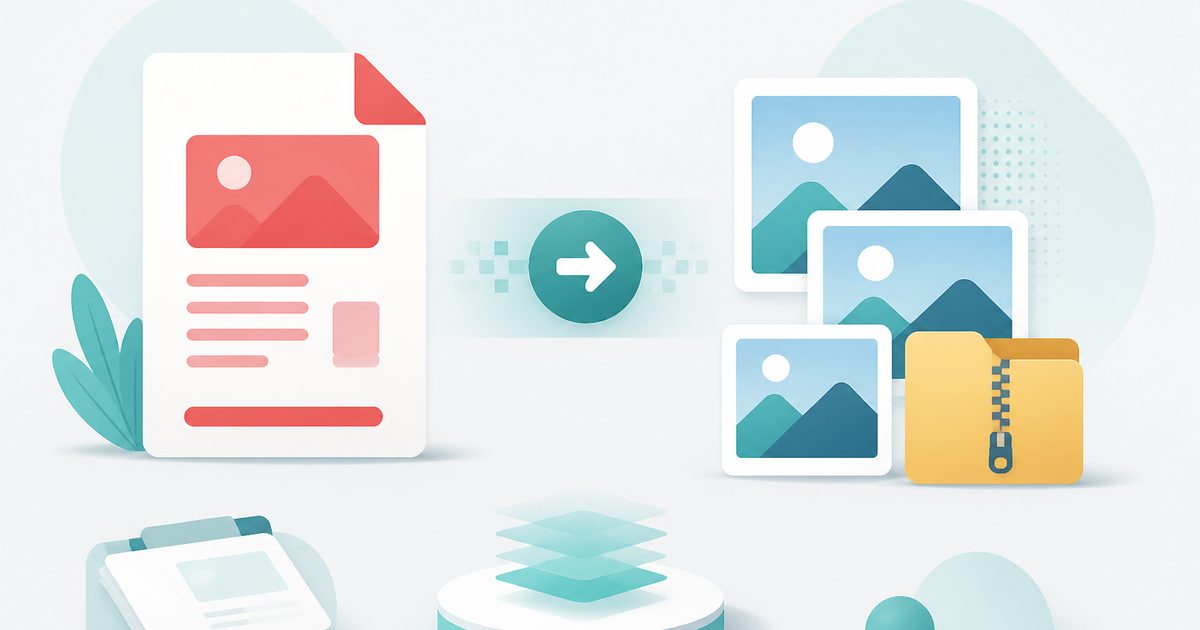
PDF to Images
PDF & Documents
Export PDF pages as PNG or JPG at any DPI, zipped.
PDF to Word
PDF & Documents
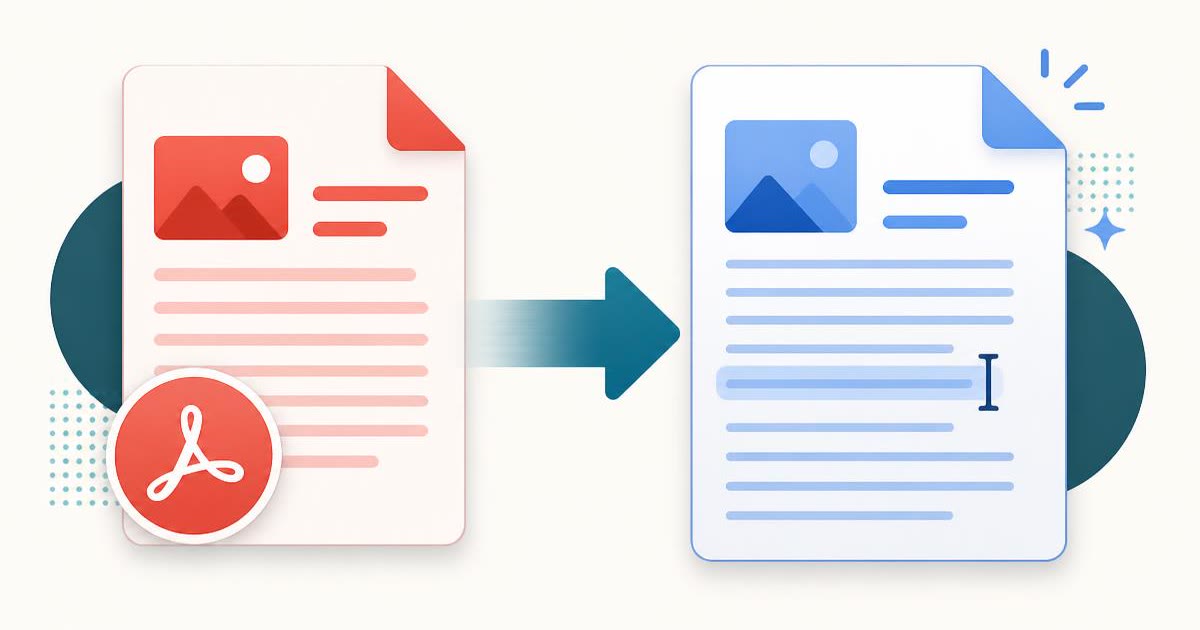
Convert a PDF into an editable .docx — headings, lists and paragraphs rebuilt.

Add Header & Footer to PDF
PDF & Documents
Titles, dates and page tokens along the top and bottom.
Add Page Numbers to PDF
PDF & Documents
Number pages, including legal-style Bates numbering.