
PDF to DOCX Converter
Turn a locked PDF into an editable .docx — the same engine as our PDF to Word tool, tuned for Word, LibreOffice and Google Docs.
- No training on your data
- Region: global
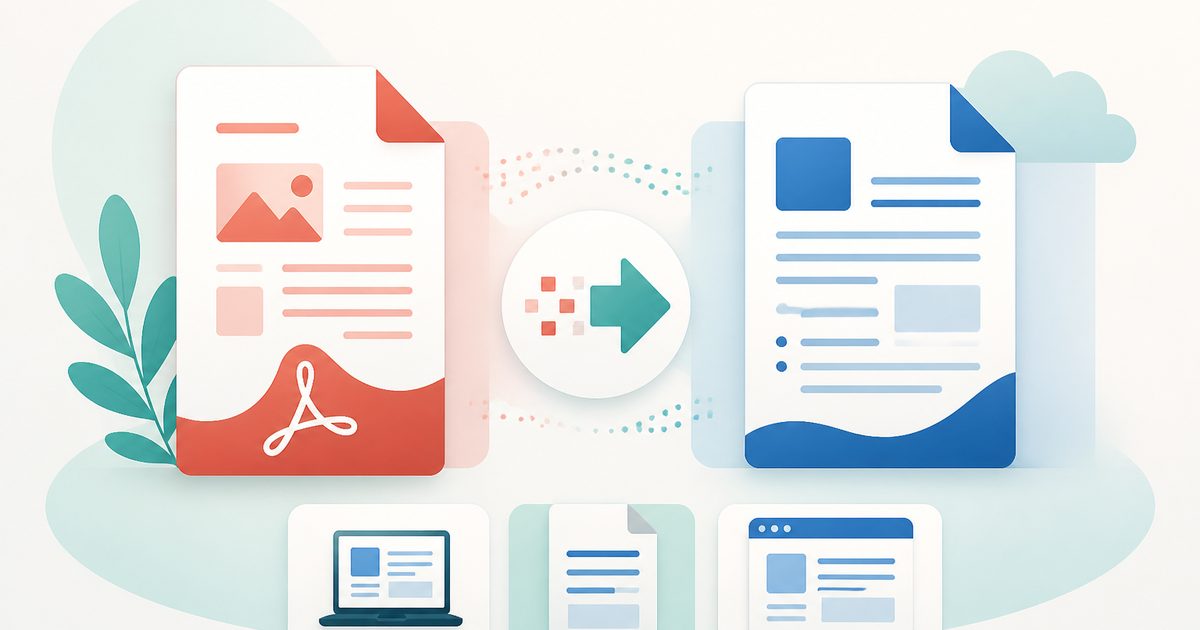
PDF to DOCX Converter
PDF & Documents
PDF to Word
Turn PDFs into editable Word documents — headings, bullet lists and paragraphs are rebuilt from the page layout, entirely on your device. Convert up to 20 files at once.
- No training on your data
- Region: global
PDF to Word
PDF & Documents
Drop PDFs to convert to Word
Click, drag or paste — up to 20 files, the .docx files are built on your device
The converter reads the position and font size of every line to rebuild document structure: large short lines become headings, dotted lines become real bullet lists, and everything else becomes editable paragraphs.
PDF to DOCX — Overview
What is PDF to DOCX?
PDF to DOCX produces a genuine .docx file from a PDF — the modern Word format that Microsoft Word, Google Docs, LibreOffice Writer and Apple Pages all open natively. It is the same conversion engine as our PDF to Word tool, described in the terms people actually search for when a system demands a .docx specifically.
The converter reads the position and font size of every text line in the PDF and rebuilds document structure from that geometry: noticeably larger lines become real Word headings, lines beginning with a bullet glyph become true Word lists, and everything else flows as paragraphs. The result is editable, restyleable and searchable — not an image of a page dropped into a document.
All of it happens in your browser tab. Nothing is uploaded, which is what makes it usable for contracts, offer letters, medical correspondence and anything else you would not hand to a free web service.
What does PDF to DOCX do?
A .docx you can actually work in:
- Native .docx output — no legacy .doc, no rich-text fudge
- Headings detected from font-size analysis rather than guesswork
- Bullet glyphs converted into real Word list formatting
- Choose one Word page per PDF page, or continuous flowing text
- Page-range selection so you can convert a single chapter
- Warns you when a PDF is a scan with no extractable text layer
How to use PDF to DOCX
- 1Drop the PDF
The text layer is read instantly on your device. Set a page range if you only need part of a long document.
- 2Choose how pages break
Keep the original pagination, or let the text flow continuously — usually easier if you plan heavy editing.
- 3Download the .docx
Open it in Word, Google Docs or LibreOffice; headings and lists arrive as live styles you can restyle in one click.
Privacy & cost
This tool runs entirely in your browser. Nothing is uploaded, logged, or saved on our servers — safe for confidential or proprietary data.
Where it fits
University submission portals and recruitment systems often reject PDFs and accept only .docx.
Reviewers need a Word file to comment and mark up; a PDF only supports annotations.
Turn a finished PDF letter or report back into a document you can personalise repeatedly.
Why people pick this tool
- ✓Free forever — no page caps, watermarks, sign-ups or premium tier
- ✓100% in-browser processing — your documents never touch a server
- ✓Works offline once the page has loaded, ideal for confidential files
- ✓No queues or waiting rooms — the work happens at the speed of your device
FAQs
The bottom line
When a form insists on .docx, you need a real Word file rather than a renamed PDF. This produces one on your own machine, so a confidential document never becomes someone else's upload.
More PDF conversion tools
Convert between PDF, Word, text, Markdown and images without uploading a file.
- Convert PDF to Word free, no signup
- Convert Word to PDF online
- DOCX to PDF converter
- Extract text from PDF
- PDF to plain text converter
- PDF to Markdown converter
- Convert PDF pages to images
- Combine images into one PDF
- OCR a scanned PDF to searchable text
- Convert JPG to PDF free
- PNG to PDF converter
- Convert Excel to PDF online
You might also like
More in PDF & Documents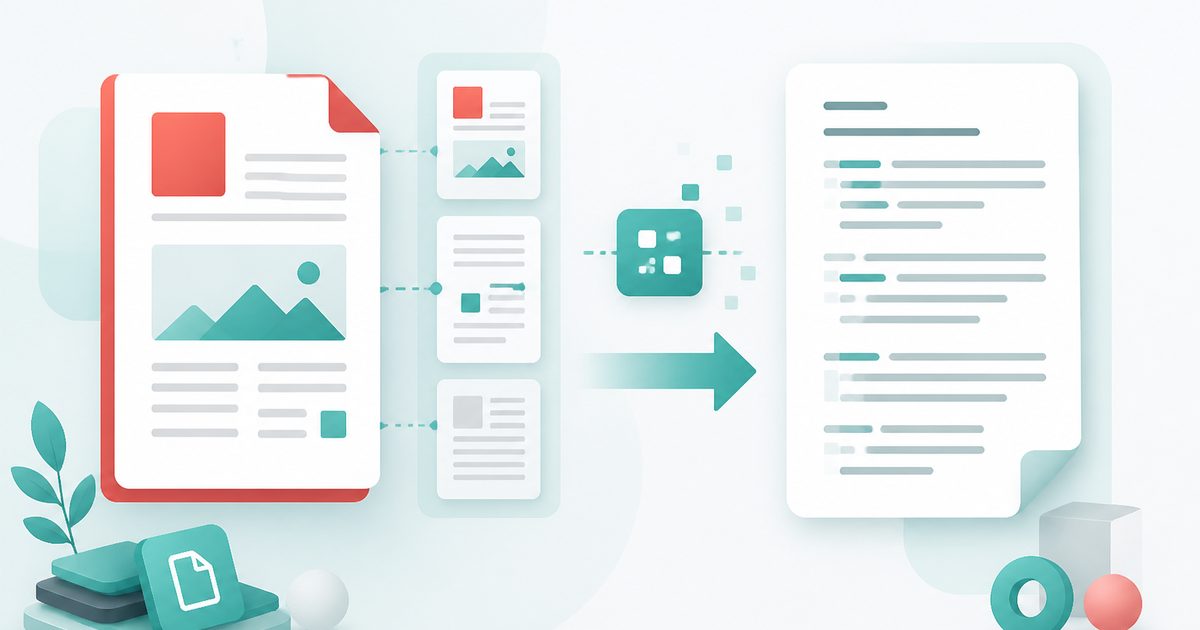
Extract Text from PDF
PDF & Documents
Pull copyable text out of any PDF, keeping line breaks and page ranges.
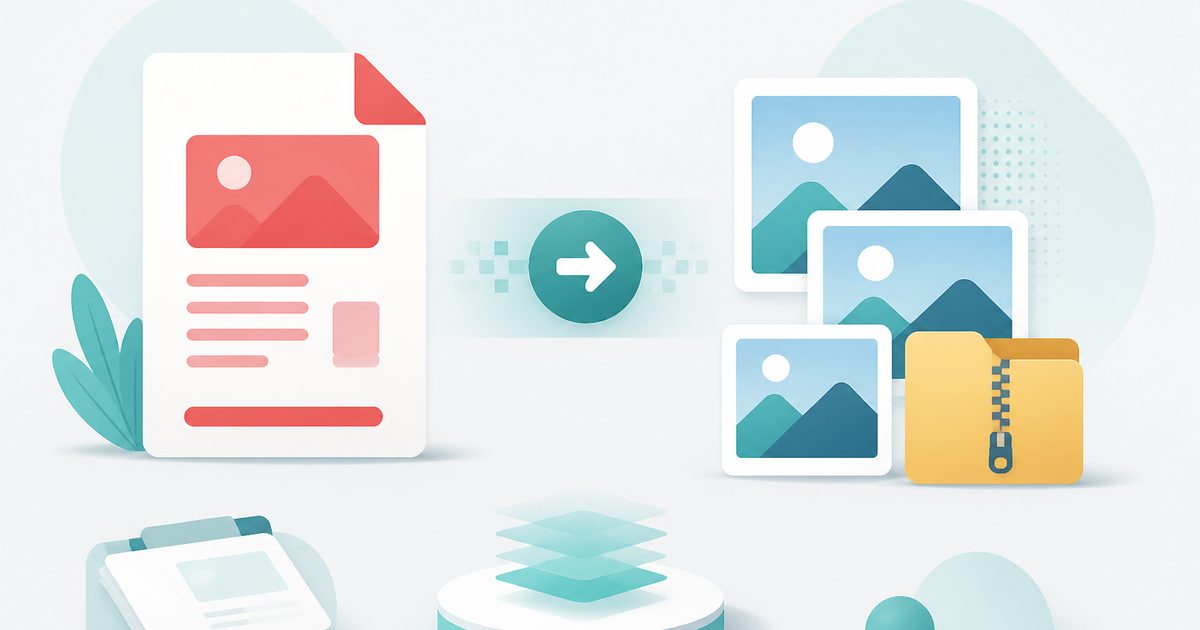
PDF to Images
PDF & Documents
Export PDF pages as PNG or JPG at any DPI, zipped.
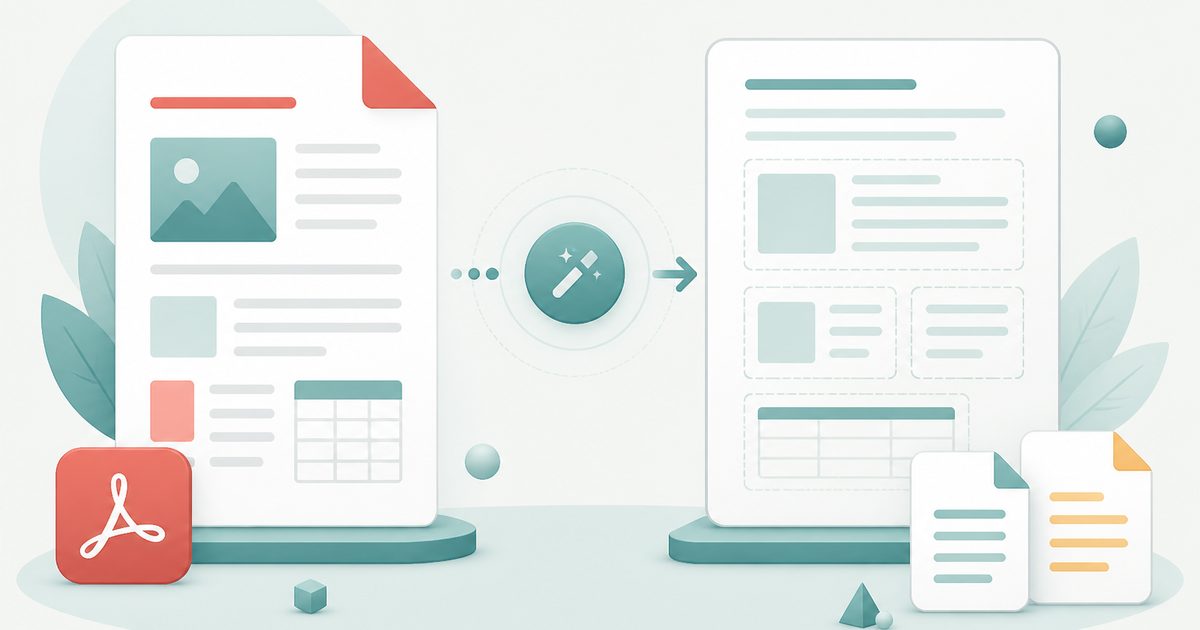
PDF to Text
PDF & Documents
Extract copyable text with layout kept, export TXT or MD.
PDF to Word
PDF & Documents
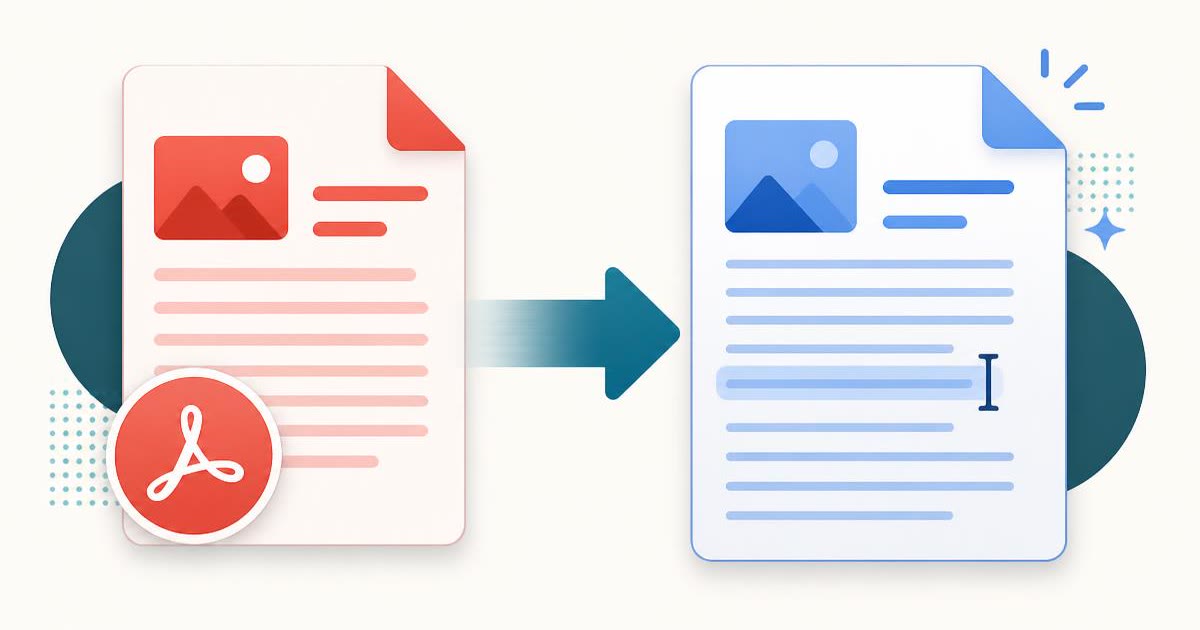
Convert a PDF into an editable .docx — headings, lists and paragraphs rebuilt.

Add Header & Footer to PDF
PDF & Documents
Titles, dates and page tokens along the top and bottom.
Add Page Numbers to PDF
PDF & Documents
Number pages, including legal-style Bates numbering.
PDF to DOCX — Overview
What is PDF to DOCX?
PDF to DOCX produces a genuine .docx file from a PDF — the modern Word format that Microsoft Word, Google Docs, LibreOffice Writer and Apple Pages all open natively. It is the same conversion engine as our PDF to Word tool, described in the terms people actually search for when a system demands a .docx specifically.
The converter reads the position and font size of every text line in the PDF and rebuilds document structure from that geometry: noticeably larger lines become real Word headings, lines beginning with a bullet glyph become true Word lists, and everything else flows as paragraphs. The result is editable, restyleable and searchable — not an image of a page dropped into a document.
All of it happens in your browser tab. Nothing is uploaded, which is what makes it usable for contracts, offer letters, medical correspondence and anything else you would not hand to a free web service.
What does PDF to DOCX do?
A .docx you can actually work in:
- Native .docx output — no legacy .doc, no rich-text fudge
- Headings detected from font-size analysis rather than guesswork
- Bullet glyphs converted into real Word list formatting
- Choose one Word page per PDF page, or continuous flowing text
- Page-range selection so you can convert a single chapter
- Warns you when a PDF is a scan with no extractable text layer
How to use PDF to DOCX
- 1Drop the PDF
The text layer is read instantly on your device. Set a page range if you only need part of a long document.
- 2Choose how pages break
Keep the original pagination, or let the text flow continuously — usually easier if you plan heavy editing.
- 3Download the .docx
Open it in Word, Google Docs or LibreOffice; headings and lists arrive as live styles you can restyle in one click.
Privacy & cost
This tool runs entirely in your browser. Nothing is uploaded, logged, or saved on our servers — safe for confidential or proprietary data.
Where it fits
University submission portals and recruitment systems often reject PDFs and accept only .docx.
Reviewers need a Word file to comment and mark up; a PDF only supports annotations.
Turn a finished PDF letter or report back into a document you can personalise repeatedly.
Why people pick this tool
- ✓Free forever — no page caps, watermarks, sign-ups or premium tier
- ✓100% in-browser processing — your documents never touch a server
- ✓Works offline once the page has loaded, ideal for confidential files
- ✓No queues or waiting rooms — the work happens at the speed of your device
FAQs
The bottom line
When a form insists on .docx, you need a real Word file rather than a renamed PDF. This produces one on your own machine, so a confidential document never becomes someone else's upload.
More PDF conversion tools
Convert between PDF, Word, text, Markdown and images without uploading a file.
- Convert PDF to Word free, no signup
- Convert Word to PDF online
- DOCX to PDF converter
- Extract text from PDF
- PDF to plain text converter
- PDF to Markdown converter
- Convert PDF pages to images
- Combine images into one PDF
- OCR a scanned PDF to searchable text
- Convert JPG to PDF free
- PNG to PDF converter
- Convert Excel to PDF online
You might also like
More in PDF & DocumentsExtract Text from PDF
PDF & Documents
Pull copyable text out of any PDF, keeping line breaks and page ranges.
PDF to Images
PDF & Documents
Export PDF pages as PNG or JPG at any DPI, zipped.
PDF to Text
PDF & Documents
Extract copyable text with layout kept, export TXT or MD.
PDF to Word
PDF & Documents
Convert a PDF into an editable .docx — headings, lists and paragraphs rebuilt.
Add Header & Footer to PDF
PDF & Documents
Titles, dates and page tokens along the top and bottom.
Add Page Numbers to PDF
PDF & Documents
Number pages, including legal-style Bates numbering.