
Images to PDF
Combine JPG, PNG or WebP images into a single PDF with control over page size, orientation, fit and margins.
- No training on your data
- Region: global
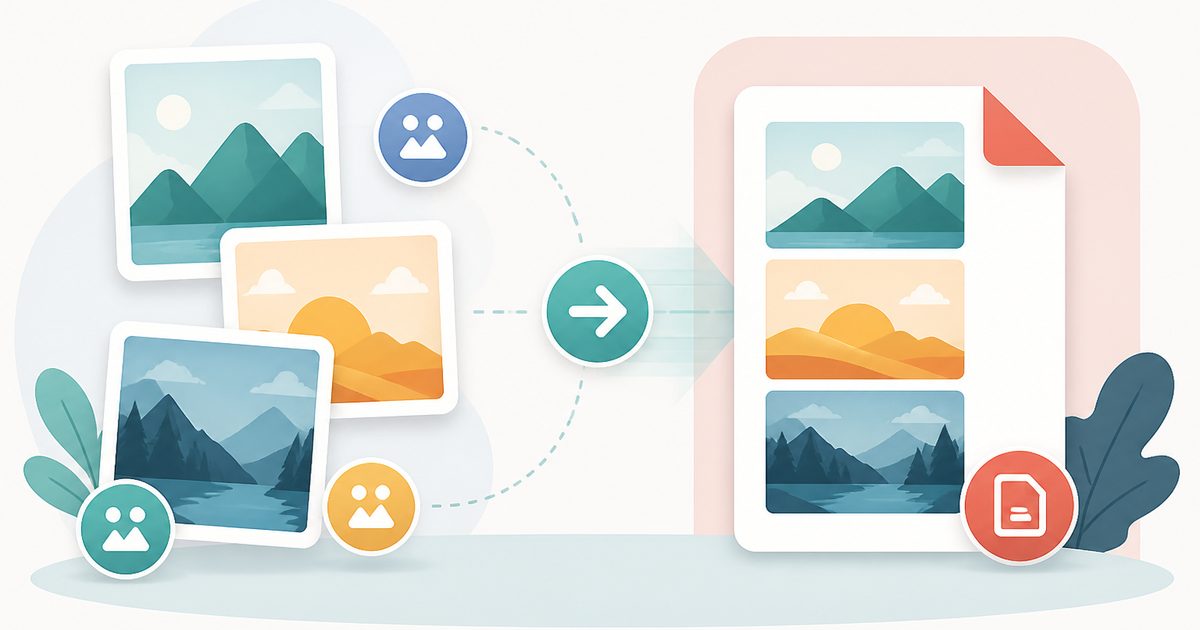
Images to PDF
PDF & Documents
Drop images to convert
JPG, PNG, WebP · click, drag or paste · nothing is uploaded
Images to PDF — Overview
What is Images to PDF?
Images to PDF turns JPG, PNG and WebP files into a single, properly paginated PDF document. It is the fastest way to make phone photos of receipts, whiteboards or paperwork acceptable to systems that only take PDFs.
You control the page size, orientation, margin and how each image is fitted to its page, so the output looks deliberate rather than like a pile of screenshots.
As with every tool in this suite, the images are read and encoded entirely on your device — no photo of your passport, payslip or ID is ever transmitted.
What does Images to PDF do?
Full layout control over the generated document:
- Accepts JPG, PNG and WebP, in any mix, in one document
- Page size presets: A4, A3, A5, Letter, Legal, Tabloid, or fit-to-image
- Portrait, landscape or automatic orientation per image
- Adjustable margins so nothing is lost in a printer's non-printable area
- Fit modes: contain the whole image, or fill the page and crop the overflow
- Reorder images before export so pages come out in the right sequence
How to use Images to PDF
- 1Add your images
Drop, browse or paste. Thumbnails appear so you can confirm you have the right shots.
- 2Choose the page layout
Pick a paper size, orientation, margin and fit mode. Fit-to-image is best when you want no white borders at all.
- 3Create the PDF
Click Create PDF and the document downloads immediately, one image per page in the order shown.
Privacy & cost
This tool runs entirely in your browser. Nothing is uploaded, logged, or saved on our servers — safe for confidential or proprietary data.
Where it fits
Photograph a stack of receipts and submit them as one PDF instead of a dozen loose JPGs.
Portals frequently demand PDF. Convert the photo locally rather than trusting an upload site with your identity documents.
Turn a meeting's whiteboard photos into a single dated PDF for the project folder.
Why people pick this tool
- ✓Free forever — no page caps, watermarks, sign-ups or premium tier
- ✓100% in-browser processing — your documents never touch a server
- ✓Works offline once the page has loaded, ideal for confidential files
- ✓No queues or waiting rooms — the work happens at the speed of your device
FAQs
The bottom line
Image-to-PDF sites are among the most privacy-hostile corners of the web precisely because people feed them identity documents. Doing the conversion in your own browser removes that exposure completely.
More PDF conversion tools
Convert between PDF, Word, text, Markdown and images without uploading a file.
- Convert PDF to Word free, no signup
- PDF to DOCX converter
- Convert Word to PDF online
- DOCX to PDF converter
- Extract text from PDF
- PDF to plain text converter
- PDF to Markdown converter
- Convert PDF pages to images
- OCR a scanned PDF to searchable text
- Convert JPG to PDF free
- PNG to PDF converter
- Convert Excel to PDF online
You might also like
More in PDF & Documents
DOCX to PDF
PDF & Documents
Turn DOCX documents into shareable PDFs without uploading anything.
Excel to PDF
PDF & Documents
Convert XLSX, XLS, ODS or CSV sheets into a printable PDF table.
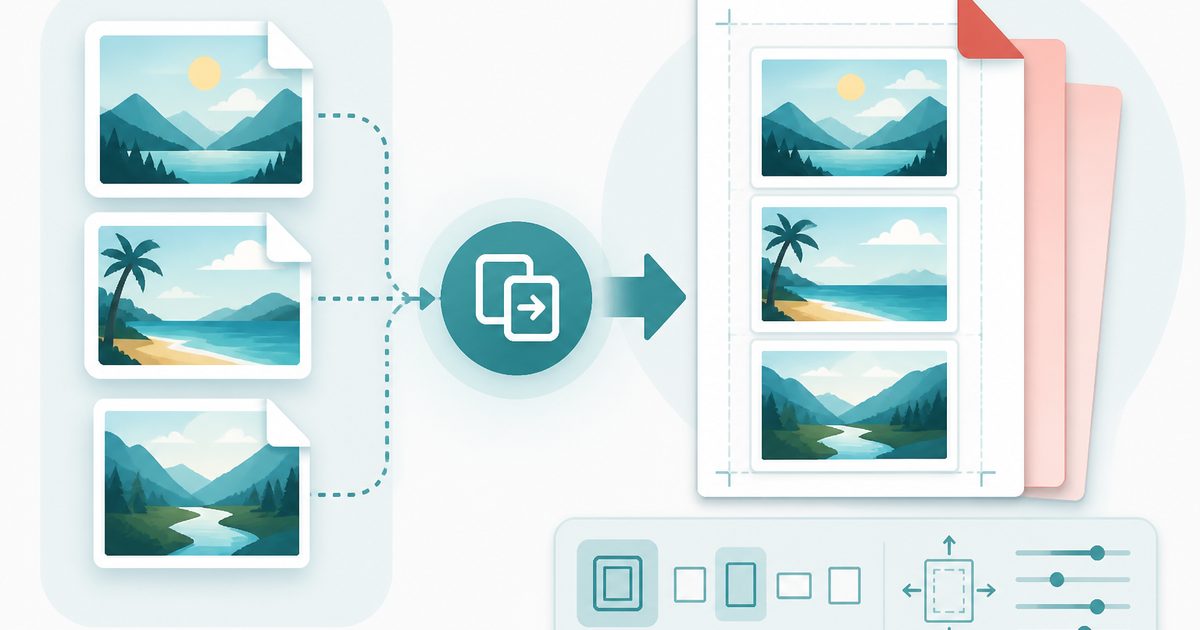
JPG to PDF
PDF & Documents
Combine JPG photos into a single PDF with page size and margin control.
PNG to PDF
PDF & Documents
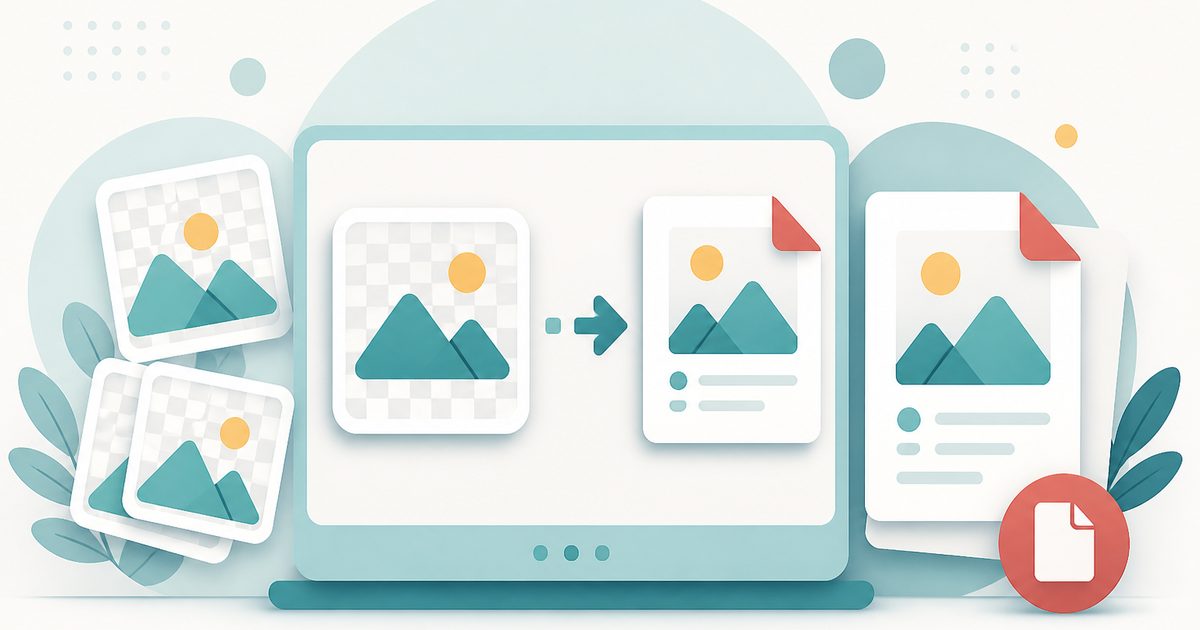
Turn PNG screenshots and graphics into a clean, printable PDF.
Word to PDF
PDF & Documents
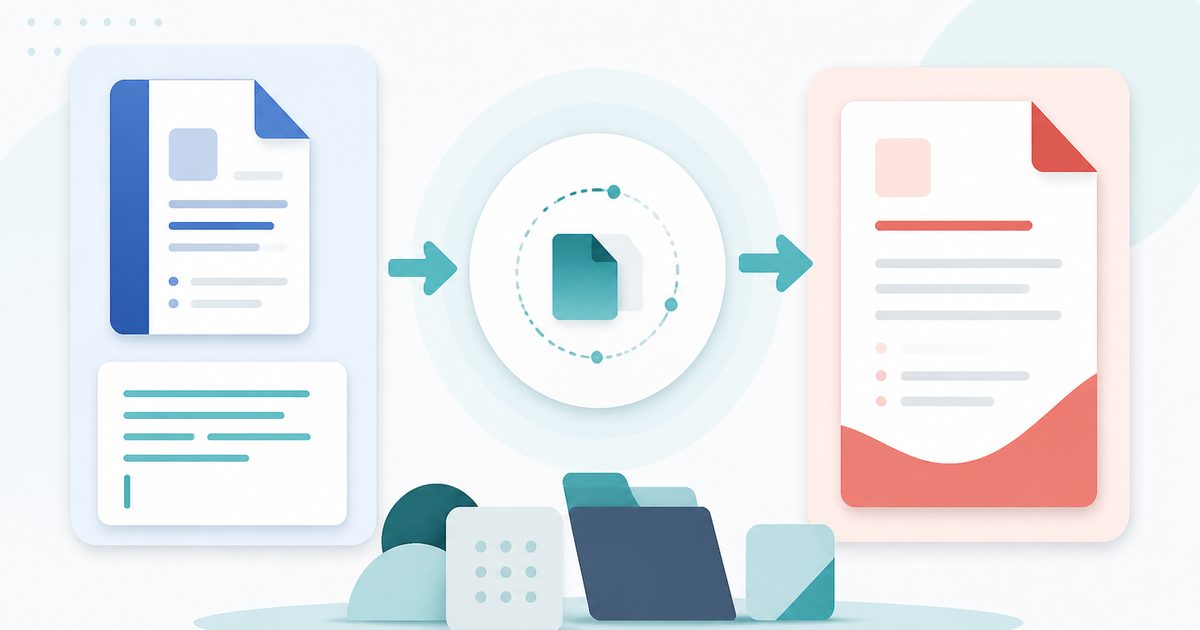
Convert .docx documents or pasted text into a clean, shareable PDF.

Add Header & Footer to PDF
PDF & Documents
Titles, dates and page tokens along the top and bottom.