
PDF to Word
Turn PDFs into editable Word documents — headings, bullet lists and paragraphs are rebuilt from the page layout, entirely on your device. Convert up to 20 files at once.
- No training on your data
- Region: global
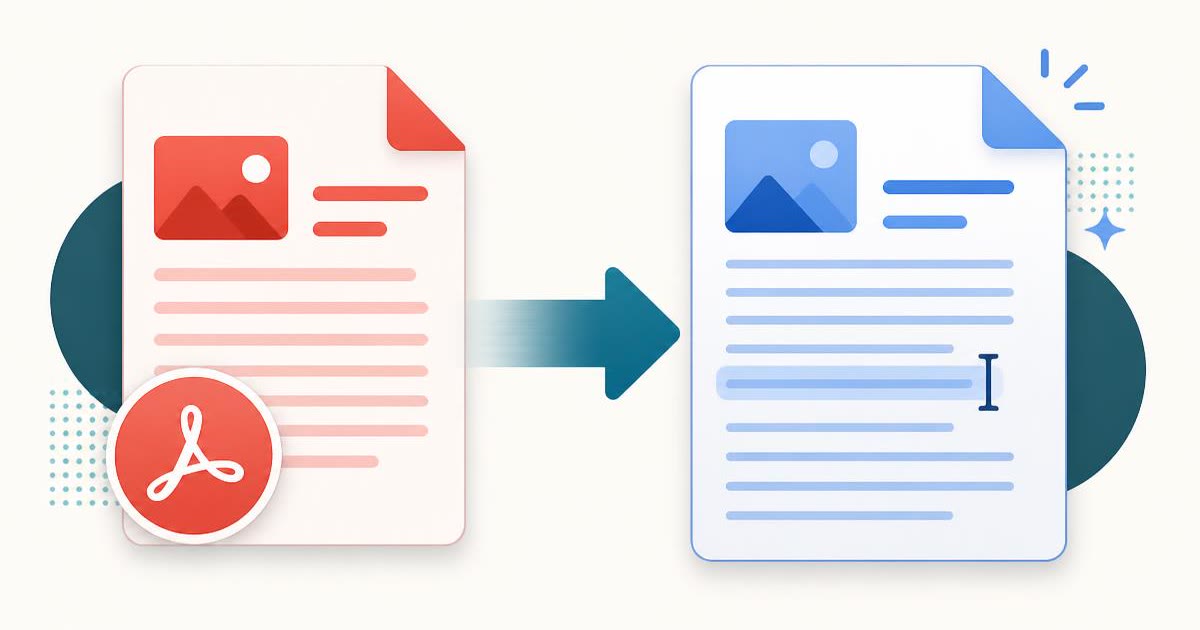
PDF to Word
PDF & Documents
Drop PDFs to convert to Word
Click, drag or paste — up to 20 files, the .docx files are built on your device
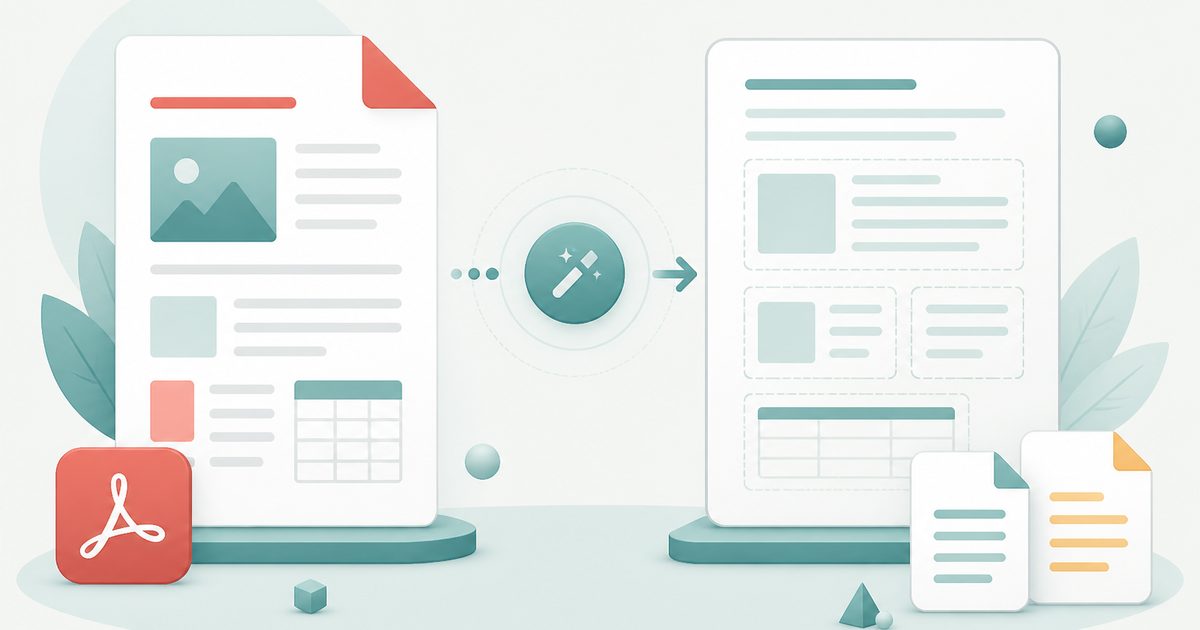
The converter reads the position and font size of every line to rebuild document structure: large short lines become headings, dotted lines become real bullet lists, and everything else becomes editable paragraphs.
PDF to Word — Overview
What is PDF to Word?
PDF to Word turns a locked-down PDF into an editable .docx you can open in Microsoft Word, Google Docs or LibreOffice. Instead of giving you a picture of each page, it reads the position and font size of every line of text and rebuilds the document's structure from that geometry.
Lines set in a noticeably larger typeface become real Word headings. Lines that start with a bullet glyph become true bulleted lists, not paragraphs with a dot pasted in front. Everything else flows in as ordinary paragraphs, so the result is a document you can actually edit, restyle and reuse.
Everything happens inside your browser tab. The file is never uploaded, which makes the tool safe for contracts, HR documents, medical letters and anything else you would not email to a stranger.
What does PDF to Word do?
A real document out the other side, not a screenshot:
- True .docx output that opens in Word, Google Docs and LibreOffice
- Heading detection from font-size analysis of the page
- Bullet glyphs converted into proper Word list formatting
- Optional page break per PDF page, or continuous flowing text
- Page-range selection to convert one chapter of a long document
- Word and line counts, plus a warning when pages are actually scans
How to use PDF to Word
- 1Drop the PDF
The text layer is read immediately, on your device. Narrow to a page range if the document is long.
- 2Choose page breaks
Keep one Word page per PDF page, or let the text flow continuously for easier editing.
- 3Download the .docx
Open it in your word processor and edit freely — headings and lists are live Word styles.
Privacy & cost
This tool runs entirely in your browser. Nothing is uploaded, logged, or saved on our servers — safe for confidential or proprietary data.
Where it fits
Convert, make your changes in Word, and export a fresh PDF for signature.
Pull chapters out of a PDF report into an editable document for quoting and reformatting.
Turn a PDF letter back into a template you can personalise and re-send.
Why people pick this tool
- ✓Free forever — no page caps, watermarks, sign-ups or premium tier
- ✓100% in-browser processing — your documents never touch a server
- ✓Works offline once the page has loaded, ideal for confidential files
- ✓No queues or waiting rooms — the work happens at the speed of your device
FAQs
The bottom line
A PDF is where documents go to stop being edited. Converting back to Word is how you reclaim your own content — and doing it locally means the document never passes through anyone else's server on the way.
More PDF conversion tools
Convert between PDF, Word, text, Markdown and images without uploading a file.
- PDF to DOCX converter
- Convert Word to PDF online
- DOCX to PDF converter
- Extract text from PDF
- PDF to plain text converter
- PDF to Markdown converter
- Convert PDF pages to images
- Combine images into one PDF
- OCR a scanned PDF to searchable text
- Convert JPG to PDF free
- PNG to PDF converter
- Convert Excel to PDF online
You might also like
More in PDF & Documents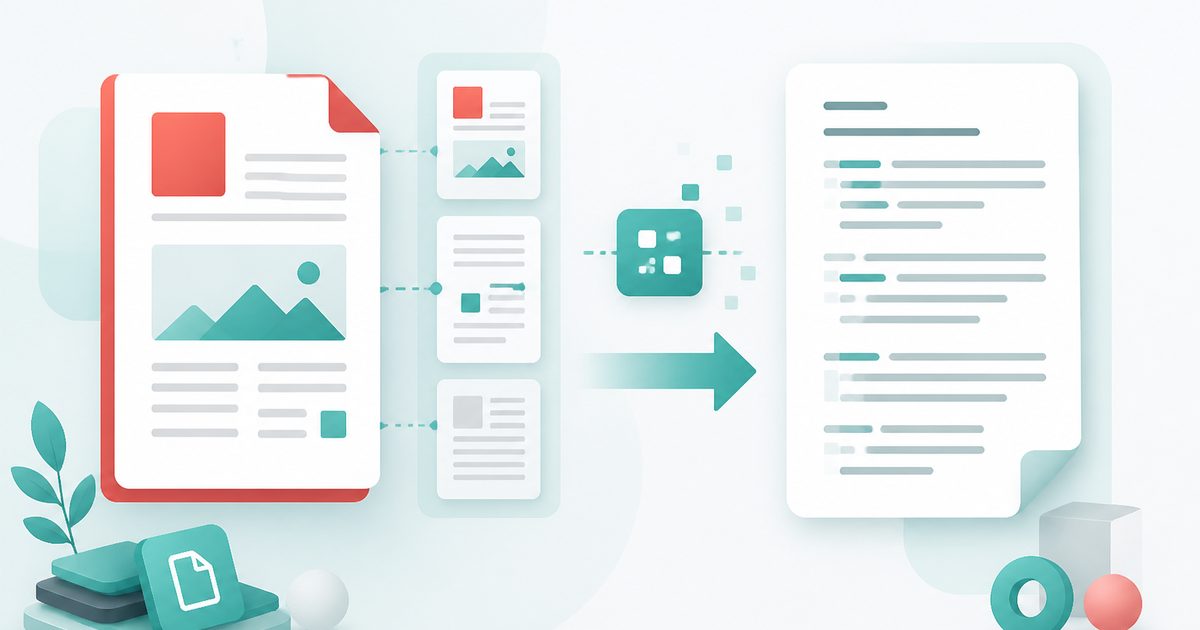
Extract Text from PDF
PDF & Documents
Pull copyable text out of any PDF, keeping line breaks and page ranges.
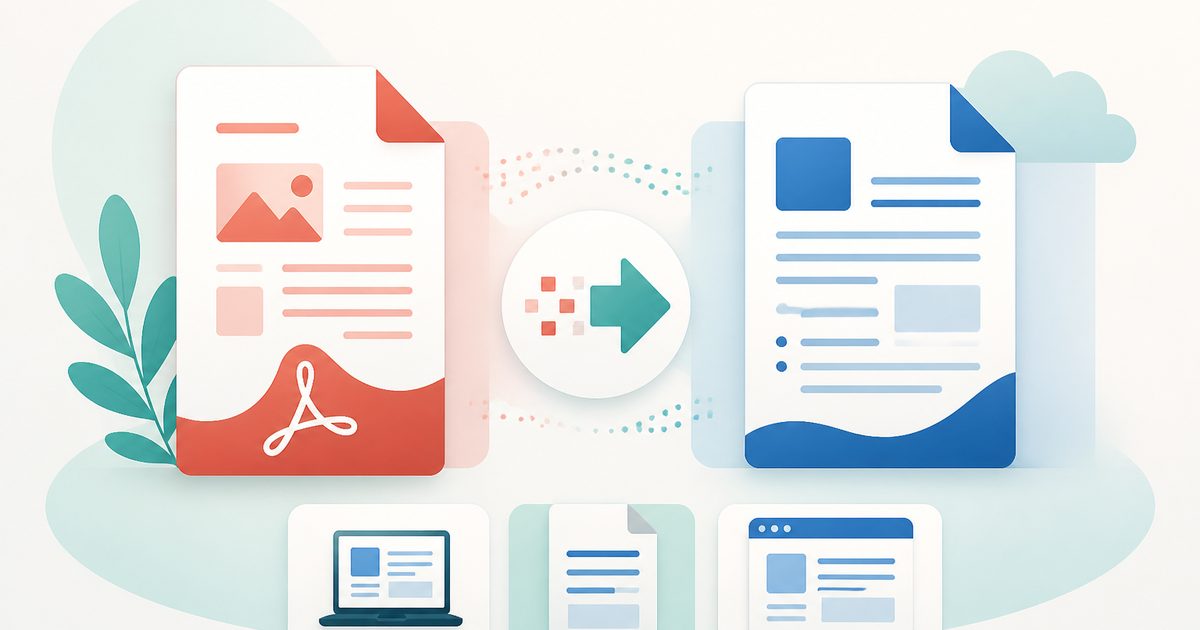
PDF to DOCX
PDF & Documents
Convert PDF to an editable DOCX for Word, LibreOffice or Google Docs.
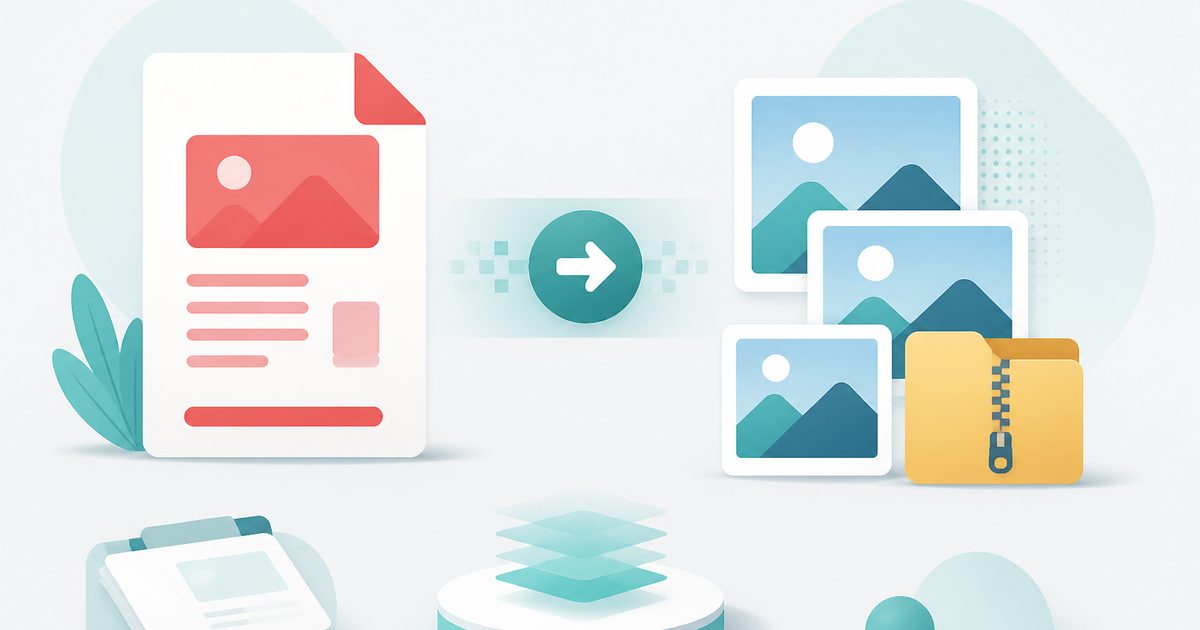
PDF to Images
PDF & Documents
Export PDF pages as PNG or JPG at any DPI, zipped.
PDF to Text
PDF & Documents
Extract copyable text with layout kept, export TXT or MD.

Add Header & Footer to PDF
PDF & Documents
Titles, dates and page tokens along the top and bottom.
Add Page Numbers to PDF
PDF & Documents
Number pages, including legal-style Bates numbering.