
Merge PDF
Combine PDFs into one document — reorder files, pick page ranges, keep everything on your device.
- No training on your data
- Region: global
Merge PDF
PDF & Documents
Drop PDFs to merge
Up to 30 files · click, drag or paste · nothing is uploaded
Merge PDF — Overview
What is Merge PDF?
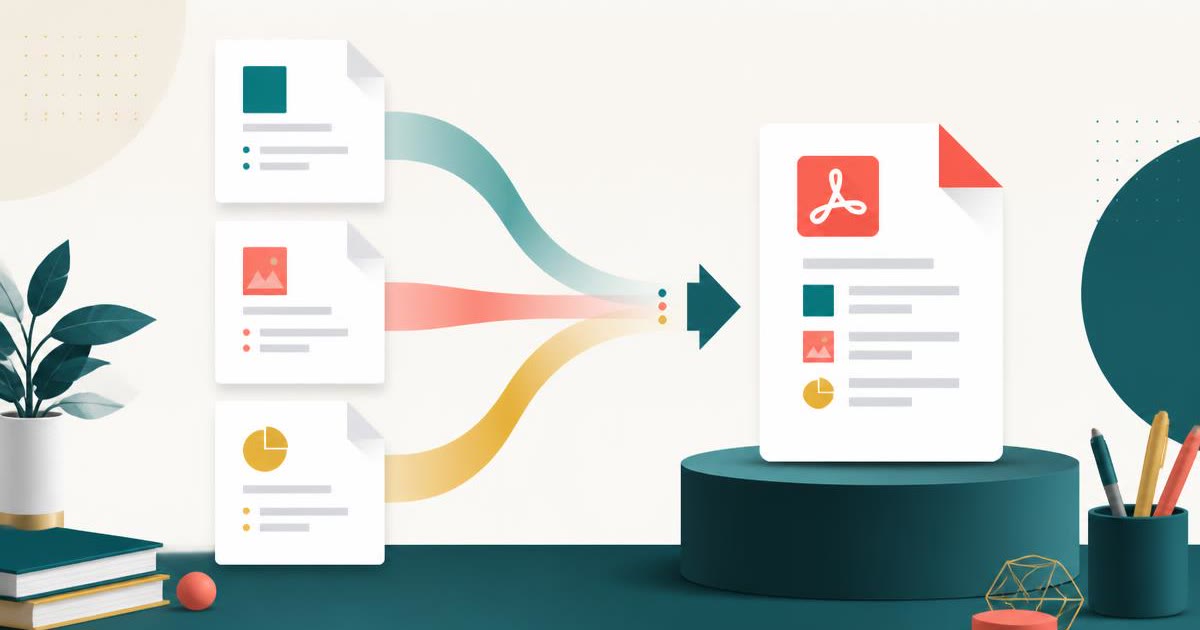
Merge PDF combines two or more PDF documents into a single, ordered file directly inside your browser. Drop in contracts, invoices, scans and reports, arrange them in the order you want, and download one consolidated PDF.
Unlike the well-known online merge services, nothing is uploaded. The files are read into memory, stitched together with a PDF writing engine that runs locally, and handed straight back to you as a download — which makes it safe for legal, medical, financial and HR documents that must never leave your machine.
You can also merge selectively: instead of taking every page of every file, give each document a page range so only the pages you actually need make it into the final PDF.
What does Merge PDF do?
Merge PDF gives you full control over what ends up in the combined document:
- Combine an unlimited number of PDFs into one continuous file
- Drag or use the move controls to set the exact document order
- Apply per-file page ranges such as `1-3, 7, 10-` to cherry-pick pages
- See page counts and file sizes before you commit to the merge
- Preserve the original page dimensions, orientation and embedded fonts
- Download instantly with a sensible auto-generated filename
How to use Merge PDF
- 1Add your PDFs
Drop the files onto the dropzone, click to browse, or paste them straight from your clipboard. Each file appears as a card showing its page count and size.
- 2Set the order and ranges
Move files up or down until the sequence is right. If a file should only contribute some pages, type a range like `1-4, 9` into its range box.
- 3Merge and download
Click Merge PDFs. The combined document is assembled locally and downloaded immediately — no email, no waiting room, no watermark.
Privacy & cost
This tool runs entirely in your browser. Nothing is uploaded, logged, or saved on our servers — safe for confidential or proprietary data.
Where it fits
Combine a CV, cover letter, certificates and references into one tidy PDF that recruiters and portals accept in a single upload.
Merge dozens of supplier invoices into one file per month so your accountant receives a single attachment instead of an inbox full of scans.
Scanners often output one PDF per batch. Merge them back into the original document, using ranges to drop the blank separator pages.
Why people pick this tool
- ✓Free forever — no page caps, watermarks, sign-ups or premium tier
- ✓100% in-browser processing — your documents never touch a server
- ✓Works offline once the page has loaded, ideal for confidential files
- ✓No queues or waiting rooms — the work happens at the speed of your device
FAQs
The bottom line
Merging is the single most common PDF task, and it is also the one most often used to funnel people into a subscription. Doing it locally removes both the cost and the confidentiality risk: you get an unlimited, watermark-free merge that is genuinely private by construction.
More ways to edit a PDF
Merge, split, compress, protect and sign PDFs privately in your browser.
You might also like
More in PDF & Documents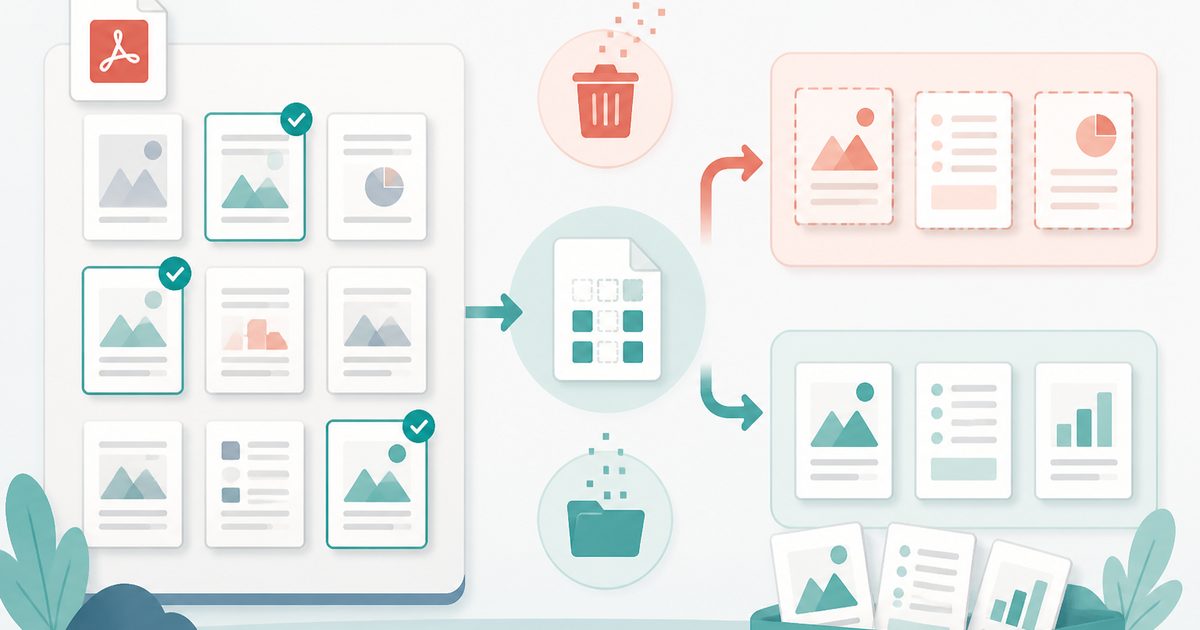
Delete or Extract PDF Pages
PDF & Documents
Tick pages on a thumbnail grid, then remove or extract them.
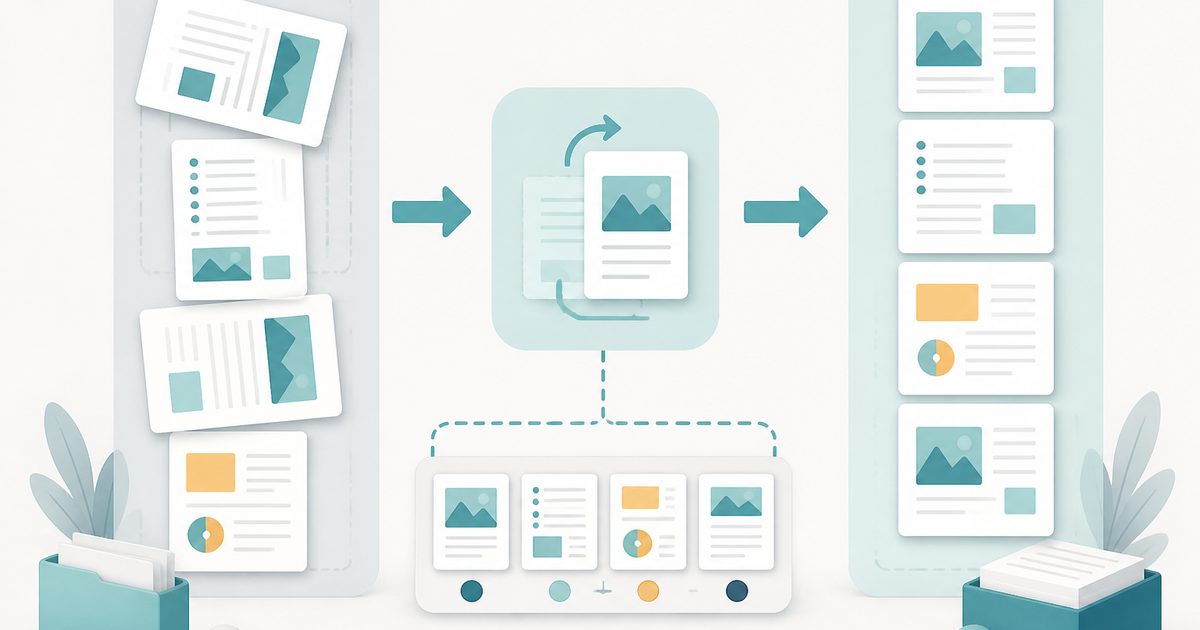
Rotate & Reorder PDF Pages
PDF & Documents
Straighten sideways scans and reshuffle pages visually.
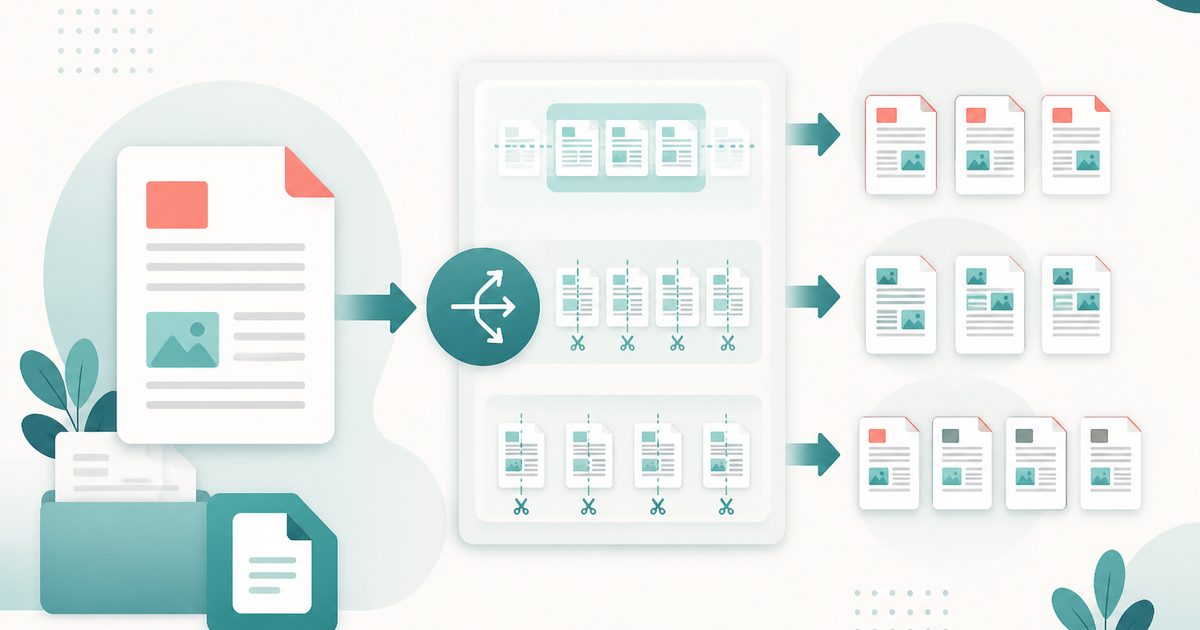
Split PDF
PDF & Documents
Split by ranges, every N pages, or one file per page.

Add Header & Footer to PDF
PDF & Documents
Titles, dates and page tokens along the top and bottom.
Add Page Numbers to PDF
PDF & Documents
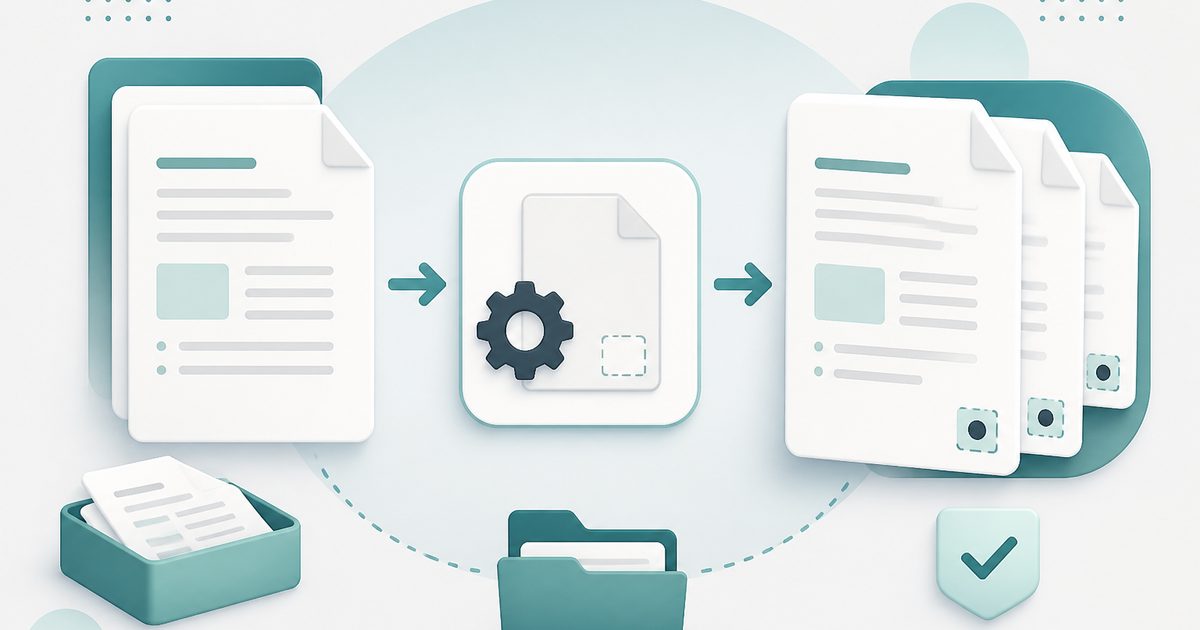
Number pages, including legal-style Bates numbering.
Add Watermark to PDF
PDF & Documents
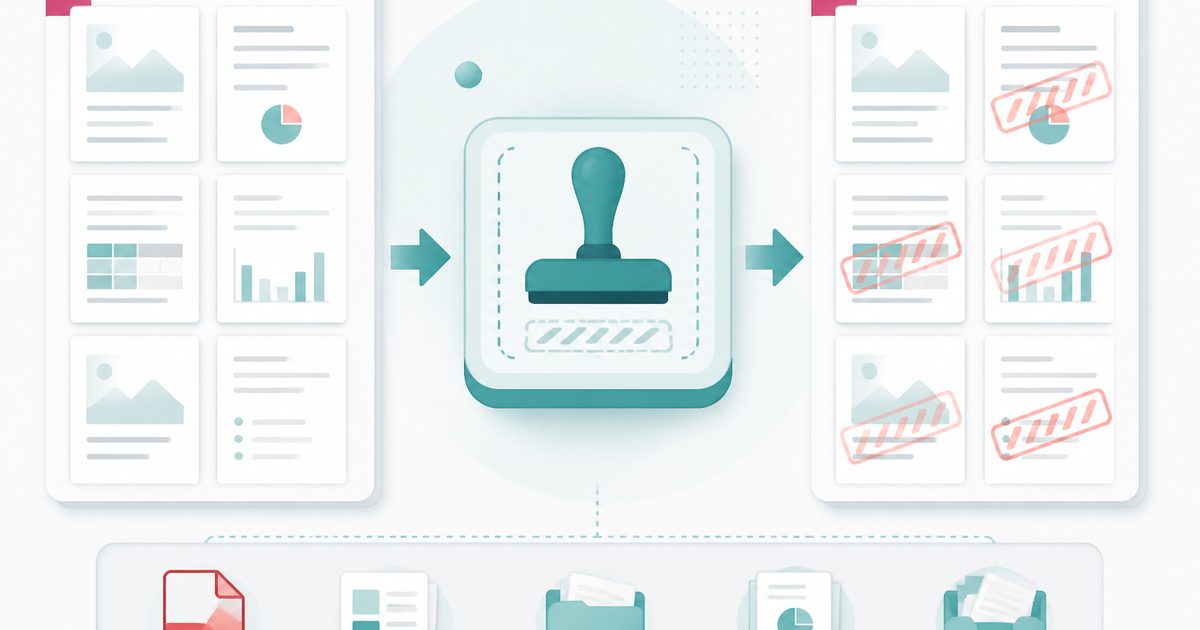
Stamp DRAFT or CONFIDENTIAL across any pages you choose.