
Split PDF
Break a PDF into ranges, fixed chunks or single pages — or pull out exactly the pages you need.
- No training on your data
- Region: global
Split PDF
PDF & Documents
Drop a PDF to split
Click, drag or paste — processing happens on your device
Split PDF — Overview
What is Split PDF?
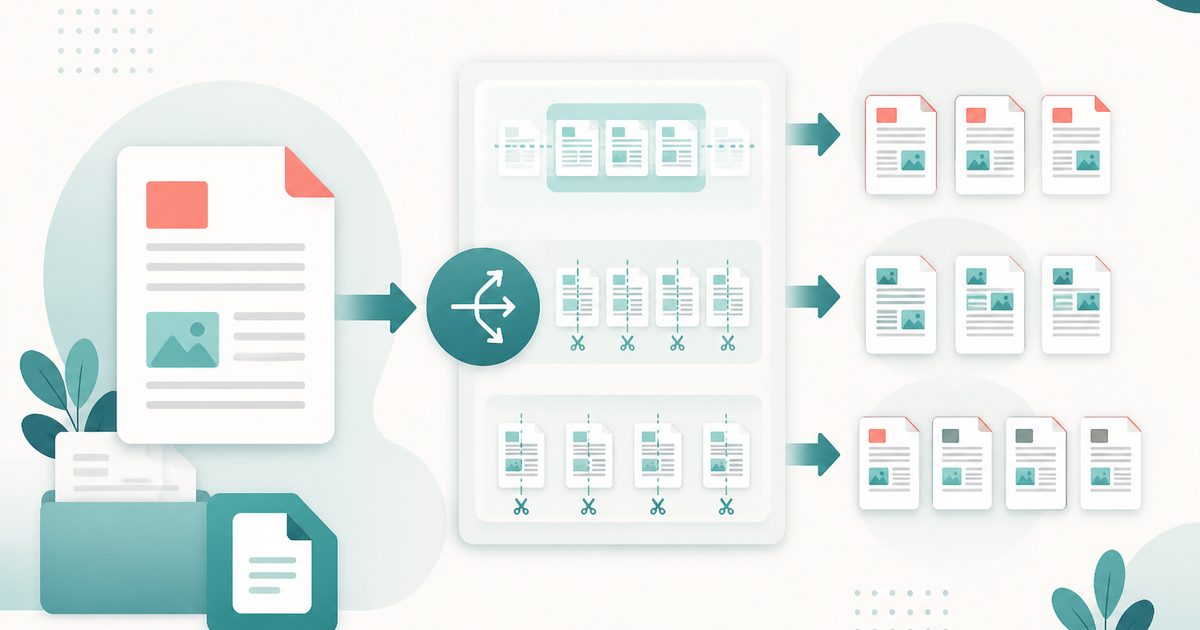
Split PDF breaks one document into several smaller PDFs — by explicit page ranges, into fixed-size chunks, or into one file per page. Everything happens inside the browser, so even sensitive documents can be split safely.
It is the natural counterpart to merging: where merge assembles, split isolates. A 200-page scanned bundle becomes a set of clearly named per-chapter files; a combined bank statement becomes one PDF per month.
When more than one file is produced, the results are packaged into a ZIP archive so a single click gets you everything.
What does Split PDF do?
Three splitting modes cover essentially every real-world need:
- Custom ranges — enter `1-5, 6-12, 13-` to produce one PDF per range
- Every N pages — chop a long document into even chunks automatically
- One file per page — burst a document into individual pages
- Automatic ZIP packaging when the split produces multiple files
- Clear, predictable output filenames based on the source document
- Original page quality, size and fonts preserved exactly
How to use Split PDF
- 1Drop your PDF
Add the document you want to split. The tool reads its page count immediately so you know what you are working with.
- 2Choose how to split
Pick custom ranges, a fixed chunk size, or one file per page. Ranges accept open ends, so `20-` means page 20 to the end.
- 3Download the results
Single output downloads as a PDF; multiple outputs arrive as a ZIP you can extract anywhere.
Privacy & cost
This tool runs entirely in your browser. Nothing is uploaded, logged, or saved on our servers — safe for confidential or proprietary data.
Where it fits
Send a colleague only the pages that concern them rather than a 300-page manual.
Turn a yearly statement download into twelve monthly PDFs for filing or expense claims.
Split a long document into printer-friendly chunks that stay under upload limits.
Why people pick this tool
- ✓Free forever — no page caps, watermarks, sign-ups or premium tier
- ✓100% in-browser processing — your documents never touch a server
- ✓Works offline once the page has loaded, ideal for confidential files
- ✓No queues or waiting rooms — the work happens at the speed of your device
FAQs
The bottom line
Splitting locally means you can slice up confidential bundles — medical records, legal disclosure, payroll — without a third party ever holding a copy. Combine it with Merge PDF and you can restructure any document set entirely offline.
More ways to edit a PDF
Merge, split, compress, protect and sign PDFs privately in your browser.
You might also like
More in PDF & Documents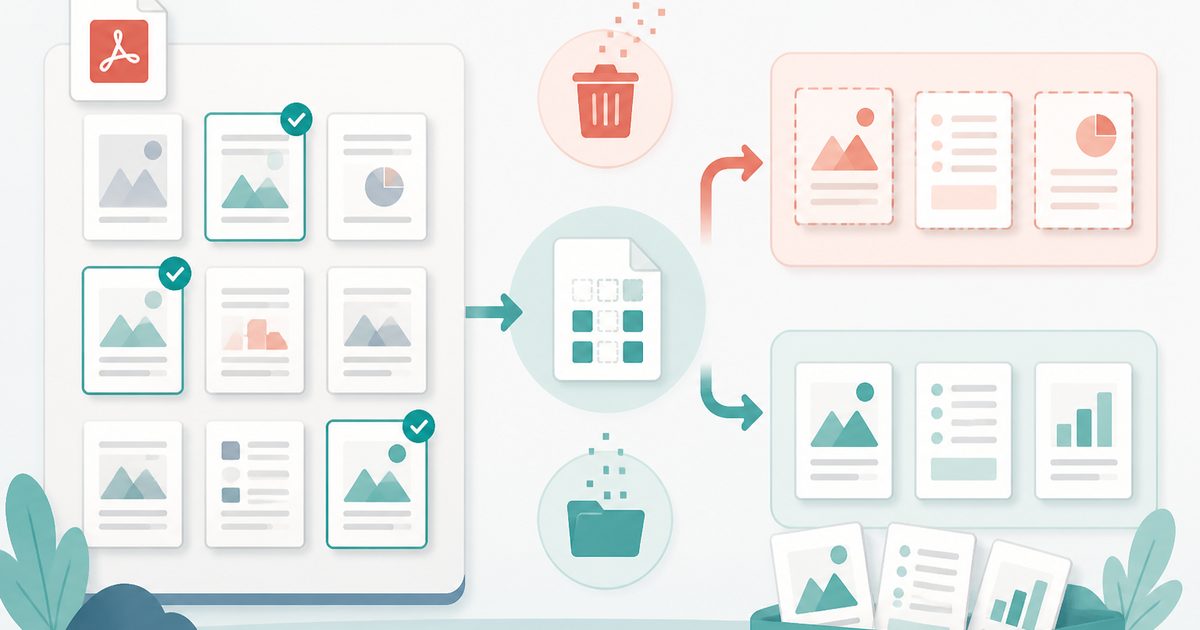
Delete or Extract PDF Pages
PDF & Documents
Tick pages on a thumbnail grid, then remove or extract them.
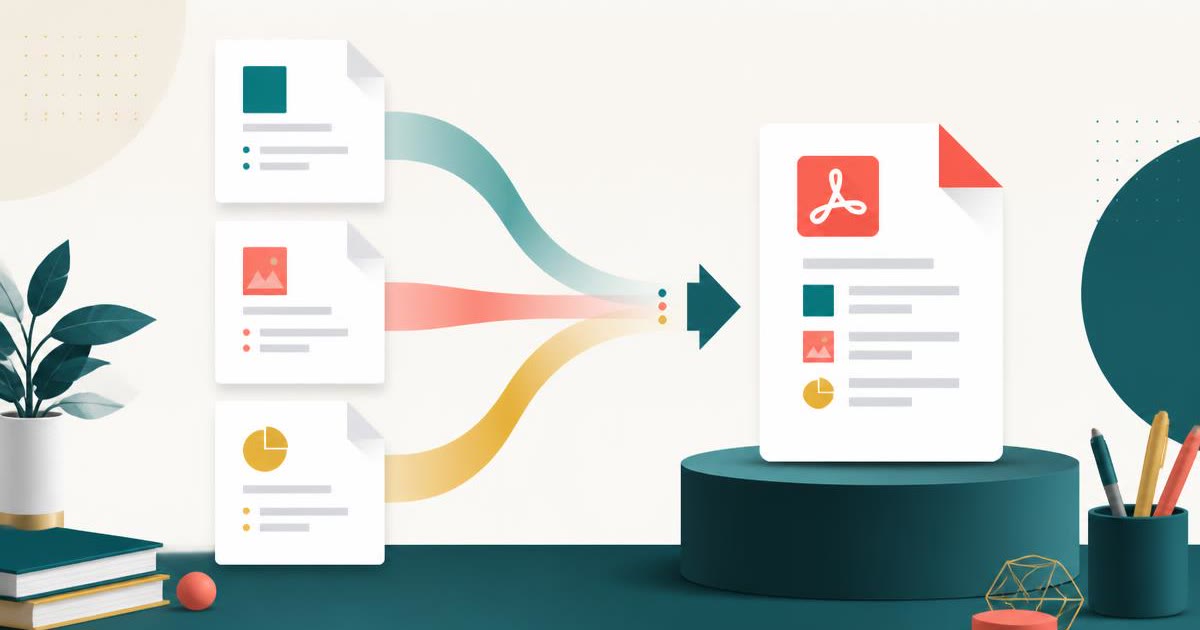
Merge PDF
PDF & Documents
Combine PDFs into one file — reorder and pick page ranges.
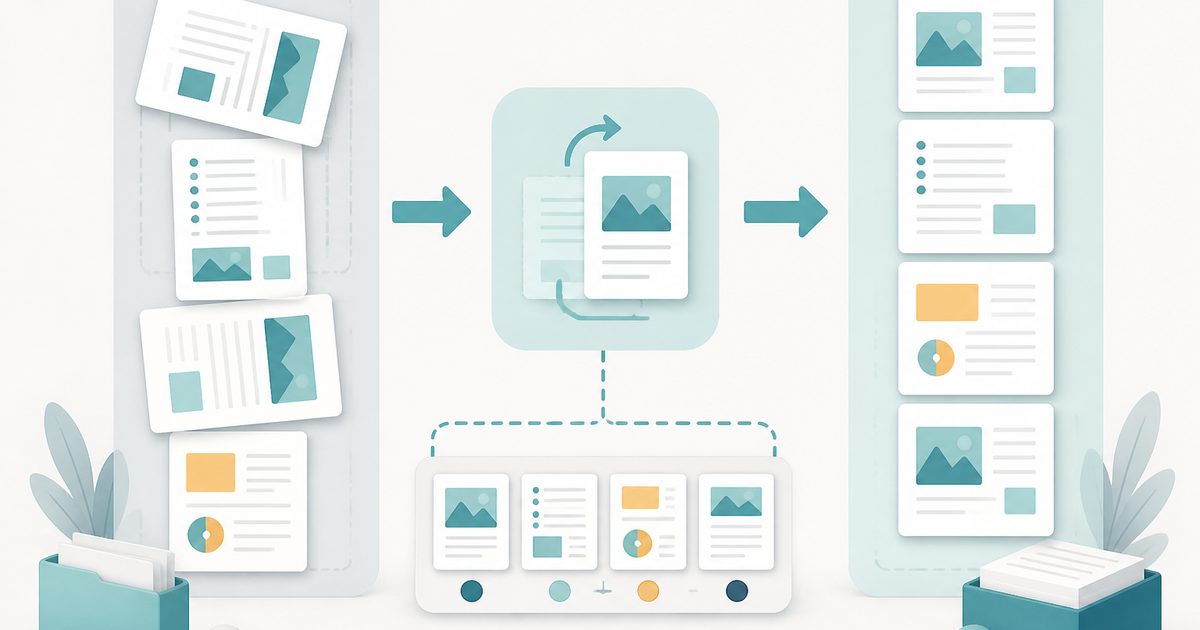
Rotate & Reorder PDF Pages
PDF & Documents
Straighten sideways scans and reshuffle pages visually.

Add Header & Footer to PDF
PDF & Documents
Titles, dates and page tokens along the top and bottom.
Add Page Numbers to PDF
PDF & Documents
Number pages, including legal-style Bates numbering.
Add Watermark to PDF
PDF & Documents
Stamp DRAFT or CONFIDENTIAL across any pages you choose.