
Rotate & Reorder PDF Pages
Straighten sideways scans and rearrange pages visually, then save a clean copy — all without uploading a thing.
- No training on your data
- Region: global
Rotate & Reorder PDF Pages
PDF & Documents
Drop a PDF to organise
Click, drag or paste — rotation previews update instantly
Rotate & Reorder PDF Pages — Overview
What is Rotate & Reorder PDF Pages?
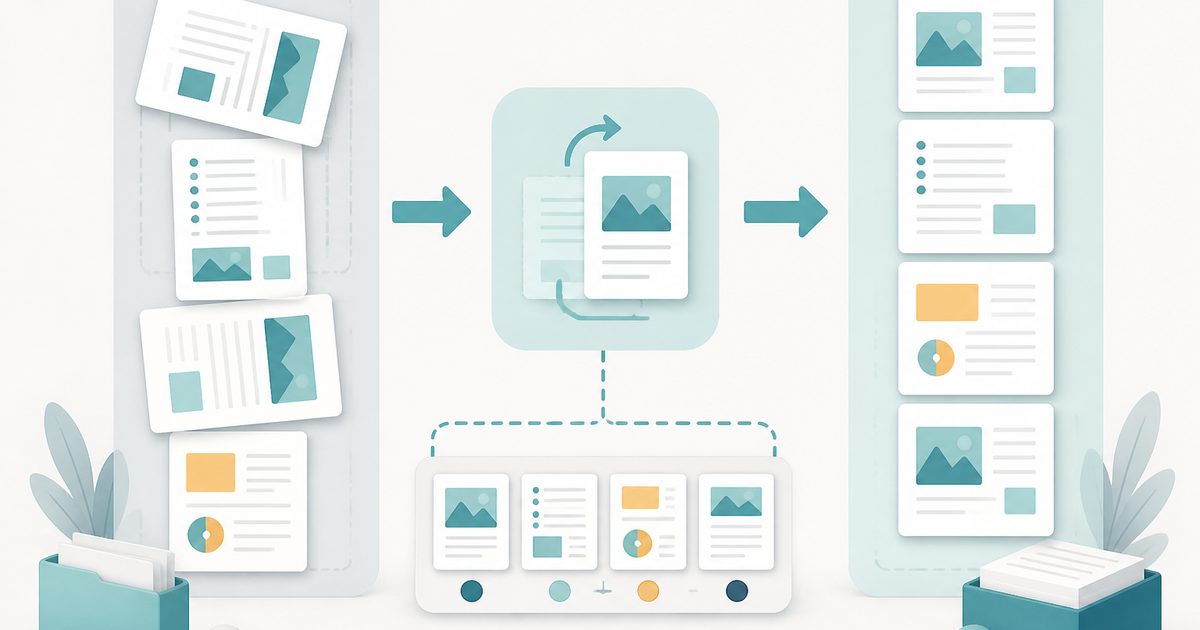
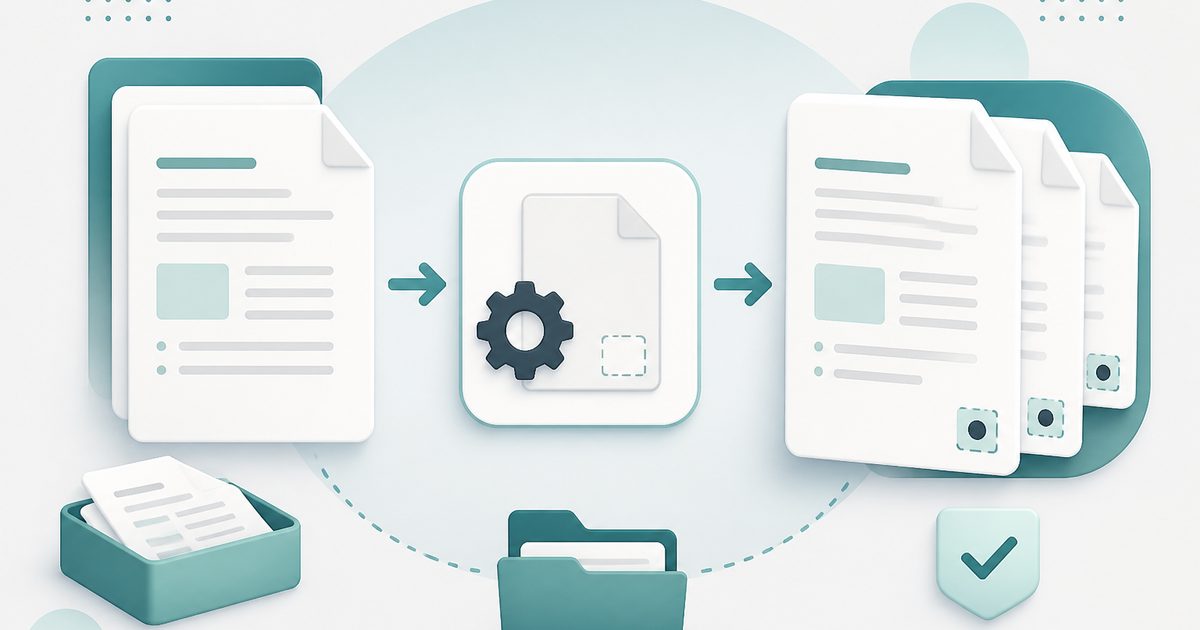
Rotate & Reorder PDF Pages fixes the two problems every scanned document eventually has: pages that arrive sideways or upside down, and pages that arrive in the wrong order.
Each page is shown as a live thumbnail. Rotate individual pages in 90-degree steps or apply a rotation to everything at once, then drag pages into the sequence you actually want.
Rotation is written as a page attribute rather than by re-rendering the image, so text stays selectable and the file size does not grow.
What does Rotate & Reorder PDF Pages do?
A single visual workspace for page orientation and order:
- Rotate any page 90° left, 90° right or 180°
- Rotate all pages at once for consistently sideways scans
- Reorder pages by moving them within the grid
- Reverse the whole document in one click — useful for back-to-front scans
- Lossless: rotation is metadata, not a re-render, so text stays searchable
- Reset at any time before you export
How to use Rotate & Reorder PDF Pages
- 1Drop the PDF
Every page appears as a thumbnail in its current orientation.
- 2Straighten and reshuffle
Use the rotate buttons on any page, or the bulk controls for the whole document. Move pages until the order reads correctly.
- 3Save the corrected file
Download the result. Your original file on disk is untouched.
Privacy & cost
This tool runs entirely in your browser. Nothing is uploaded, logged, or saved on our servers — safe for confidential or proprietary data.
Where it fits
A4 pages fed sideways through a scanner all need the same 90° correction — apply it once to every page.
Some sheet feeders output the back pages in reverse order; reverse or reorder them here rather than rescanning.
Rotate just the wide tables and charts so they read correctly on screen without affecting the portrait pages.
Why people pick this tool
- ✓Free forever — no page caps, watermarks, sign-ups or premium tier
- ✓100% in-browser processing — your documents never touch a server
- ✓Works offline once the page has loaded, ideal for confidential files
- ✓No queues or waiting rooms — the work happens at the speed of your device
FAQs
The bottom line
Orientation and order problems are cosmetic but they make a document feel unprofessional. Fixing them takes seconds here, and because rotation is lossless the corrected file is every bit as good as the original.
More ways to edit a PDF
Merge, split, compress, protect and sign PDFs privately in your browser.
You might also like
More in PDF & Documents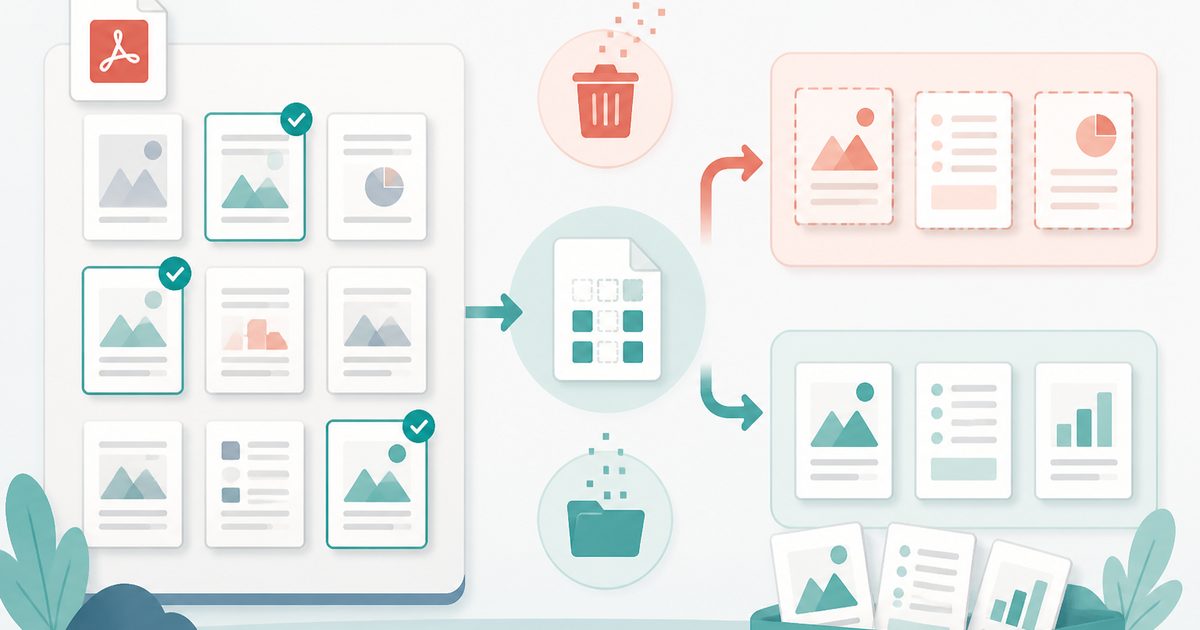
Delete or Extract PDF Pages
PDF & Documents
Tick pages on a thumbnail grid, then remove or extract them.
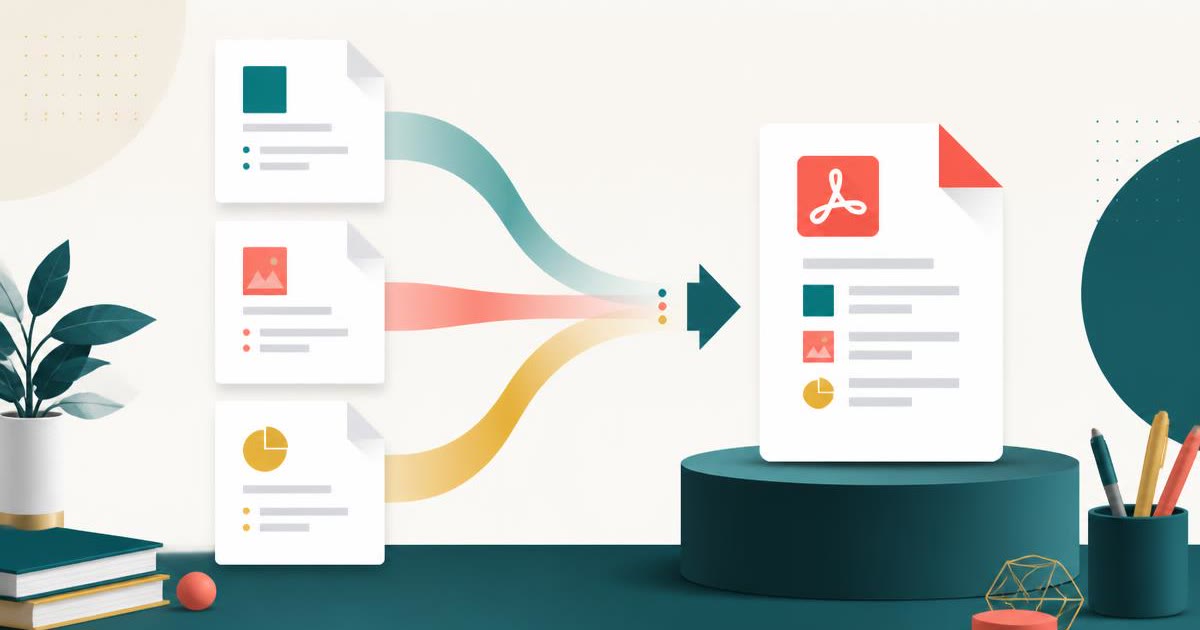
Merge PDF
PDF & Documents
Combine PDFs into one file — reorder and pick page ranges.
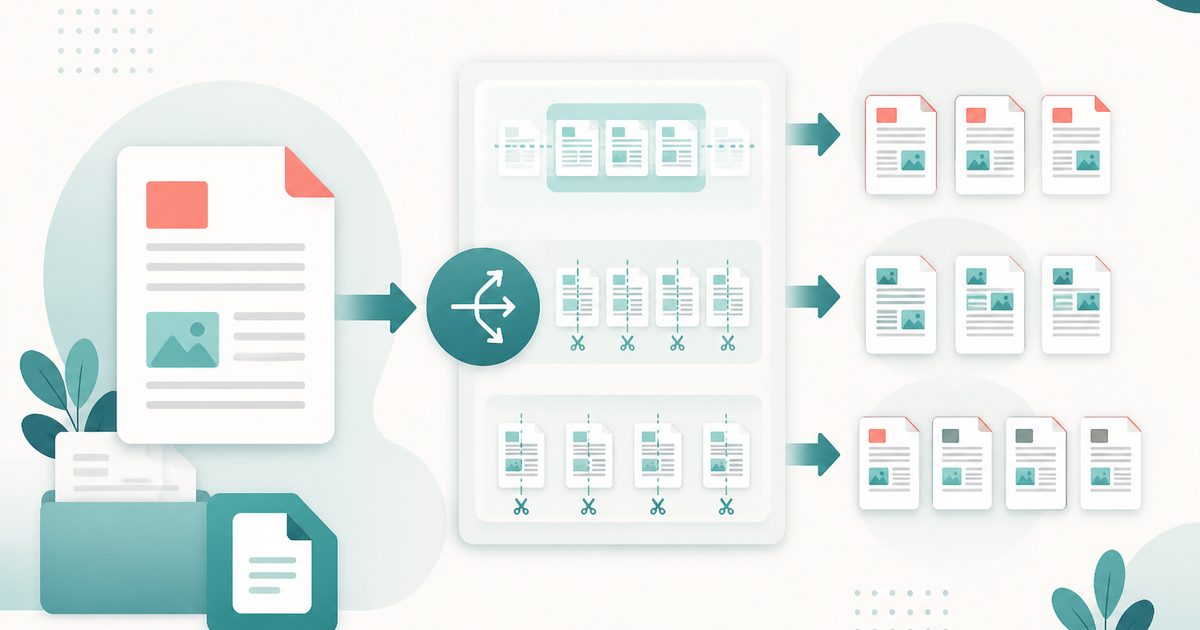
Split PDF
PDF & Documents
Split by ranges, every N pages, or one file per page.

Add Header & Footer to PDF
PDF & Documents
Titles, dates and page tokens along the top and bottom.
Add Page Numbers to PDF
PDF & Documents
Number pages, including legal-style Bates numbering.
Add Watermark to PDF
PDF & Documents
Stamp DRAFT or CONFIDENTIAL across any pages you choose.